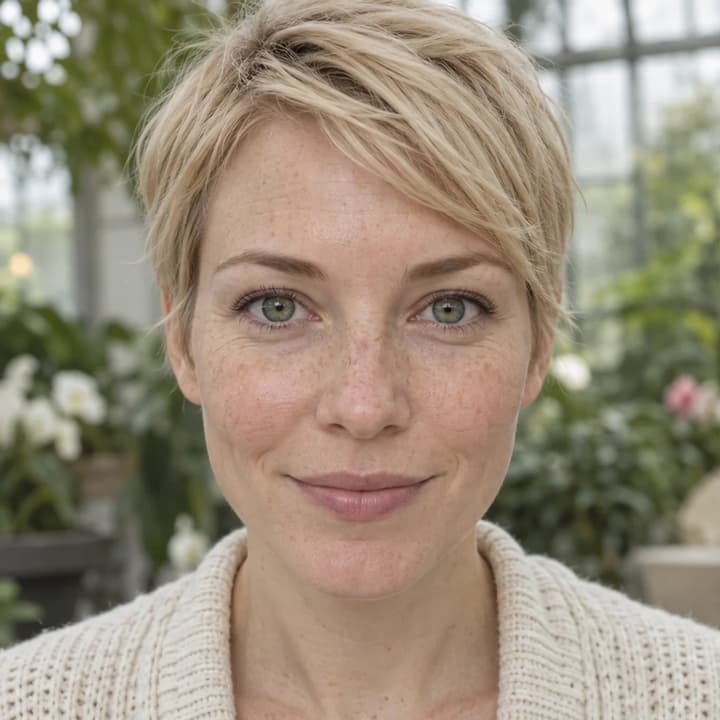
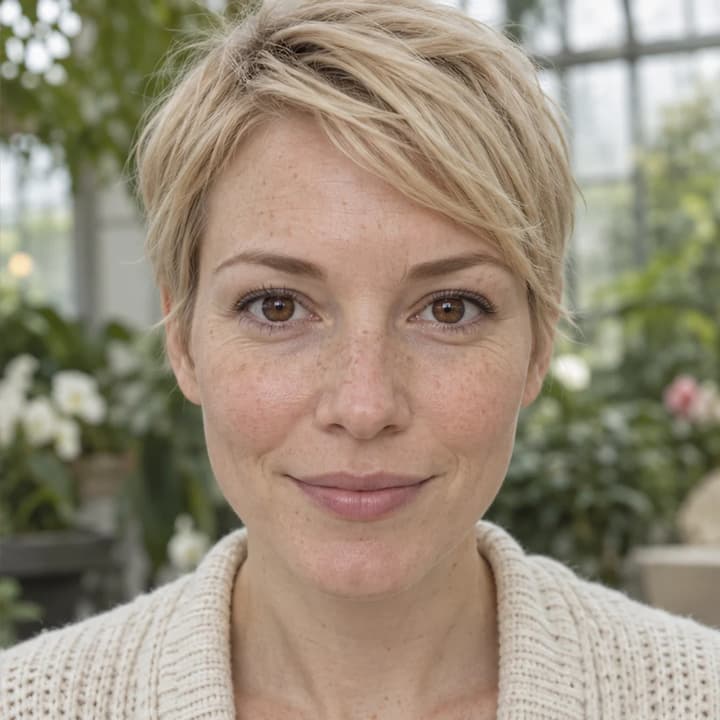
Brown · conservatory portrait
Try this colorWarm brown replaces green while preserving the blonde portrait.
Change eye color in a photo with AI. Choose a color template, upload an iris-color reference or describe your shade, then compare and download the result.
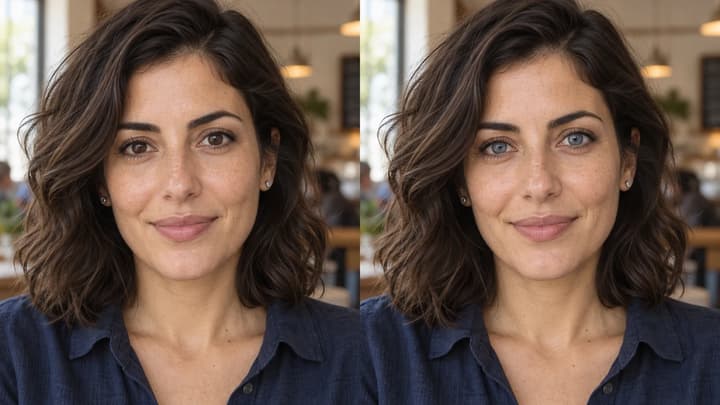
Try a soft hazel direction on a clear portrait, comparing iris detail and the original skin and hair.
A brown-to-amber illustration helps compare warmth under the same light, without changing the face or background.
A violet iris concept adds a creative color direction while keeping normal pupils, eye whites and the original outfit.
A restrained blue-gray change shows how a small color adjustment can look different from a full portrait makeover.
Warm brown replaces green while preserving the blonde portrait.


Soft blue replaces brown in a neutral studio portrait.
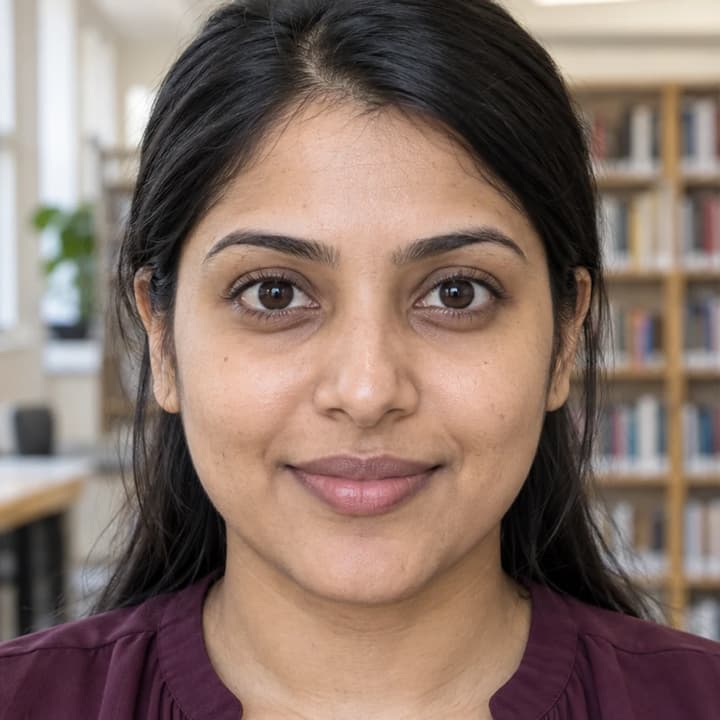
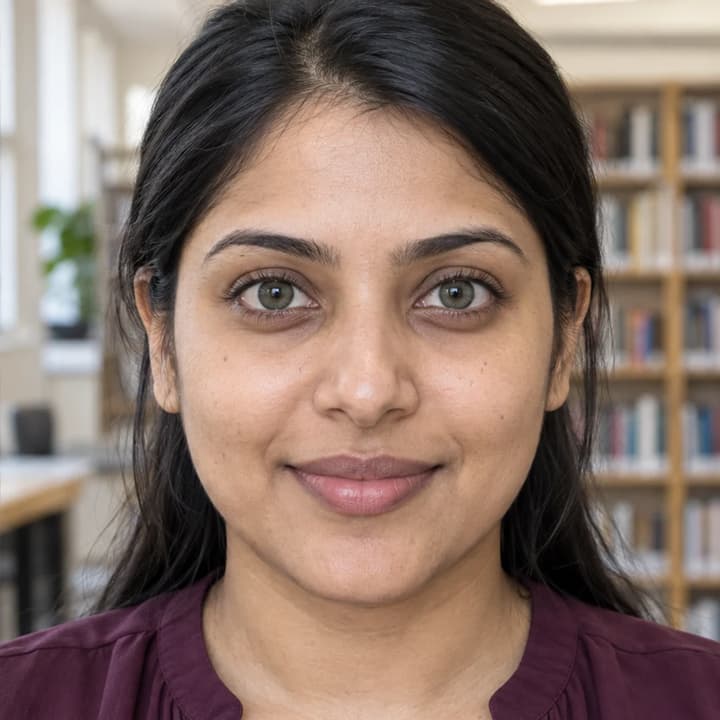
Muted green adds a color direction to dark brown irises.


Cool gray changes the iris hue in an older adult portrait.


Brown and olive-green tones blend around normal black pupils.


Golden-brown replaces gray-blue without a glowing effect.
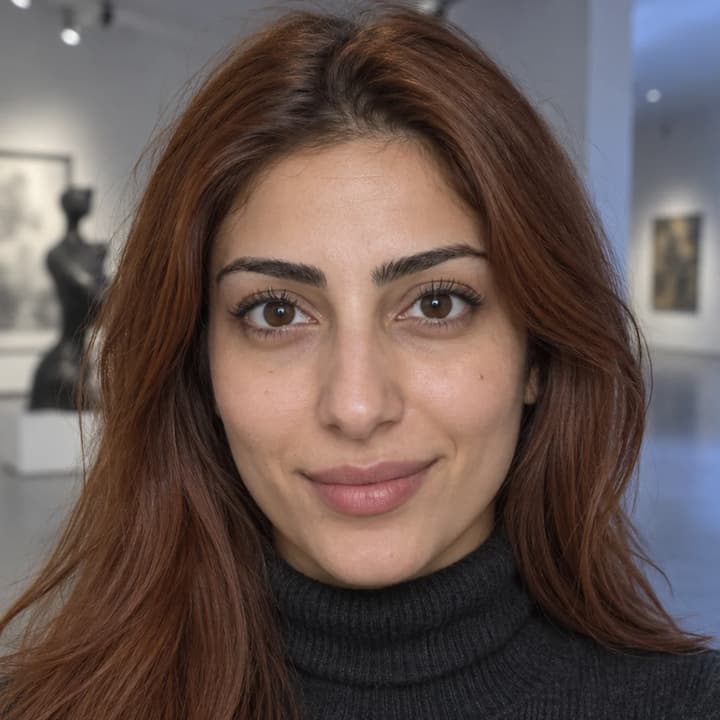
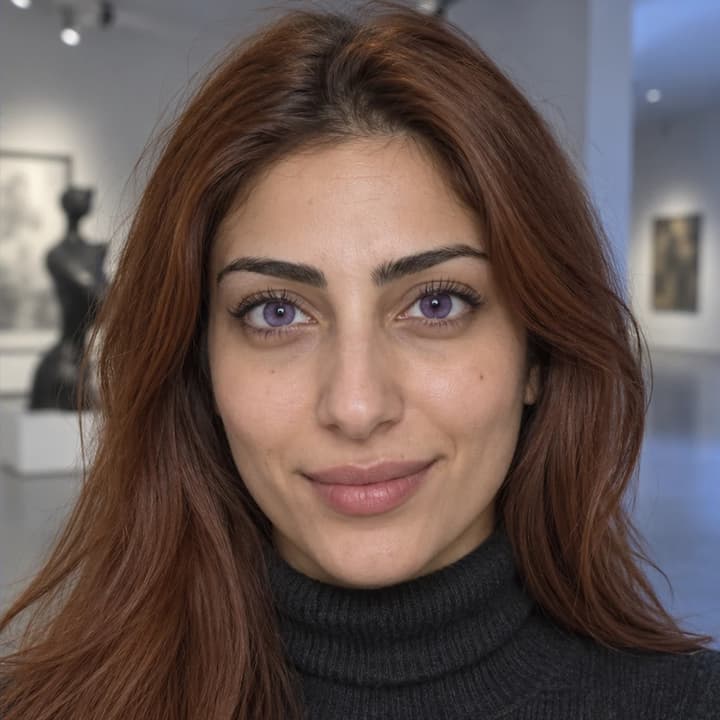
A creative violet shade keeps normal pupils and eye whites.
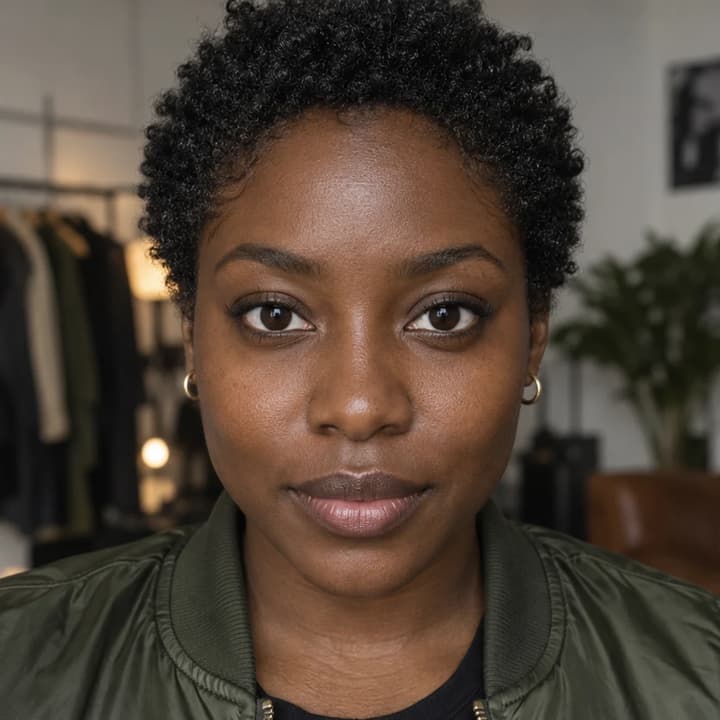
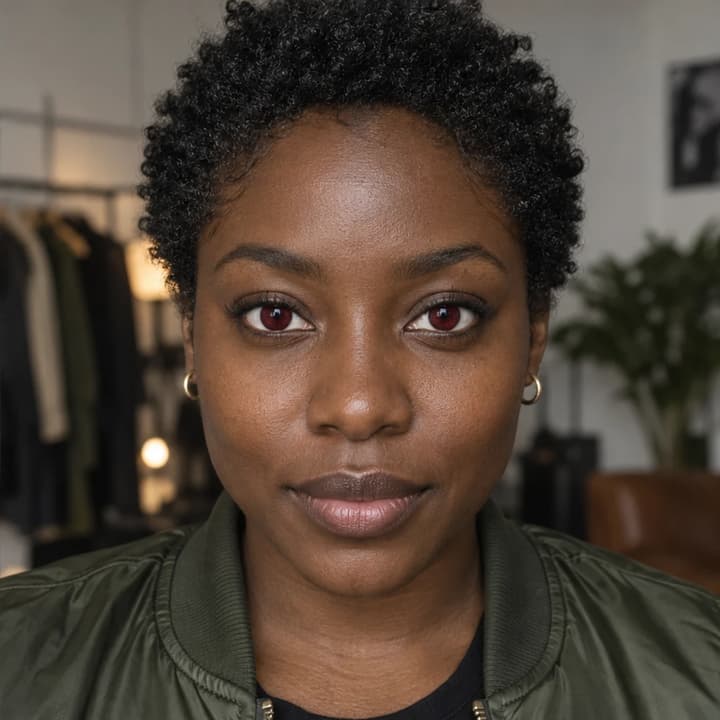
Deep red creates a costume color idea without changing the outfit.
Upload a portrait with both eyes clearly visible.
Choose a color template, upload a reference or describe the iris color.
Generate your image, compare it with the original, then download.
Check pupil size and position, eye shape and the direction you are looking.
Compare highlights and the radial texture within each iris. Flat color or glow can obscure the original detail.
Look for color spill on the eye whites, eyelids, lashes or glasses.
Compare skin texture, hair, expression, clothes and background with the original.
No. Upload a color reference or describe the target in Edit instructions. The Person photo and at least one active template, reference or nonblank instruction are required.
No. Choose one source. Its image guides iris color; your Person photo supplies eye shape, pupils, gaze, iris detail and the rest of the portrait.
You can request blue, green, gray or another color. Use clear eyes and compare the result: the original light, iris texture and shadows should still make sense.
Specify the person’s left or right iris and the target color in Edit instructions. Review both eyes after generation; precise placement can vary.
The edit is instructed to preserve eye anatomy, pupils, gaze and the rest of the photo. Generative editing can still alter details, so inspect the original and result together.
Generation requires an account and the credits shown before Generate. Selecting a template or loading an example spends no credits. See pricing for current plans.
To change eye color in a photo, start with a clear portrait, choose an iris color and compare the result with the original. Check the pupils, gaze, catchlights and eye whites as well as the shade. This guide explains the inputs, useful instructions and details to review.
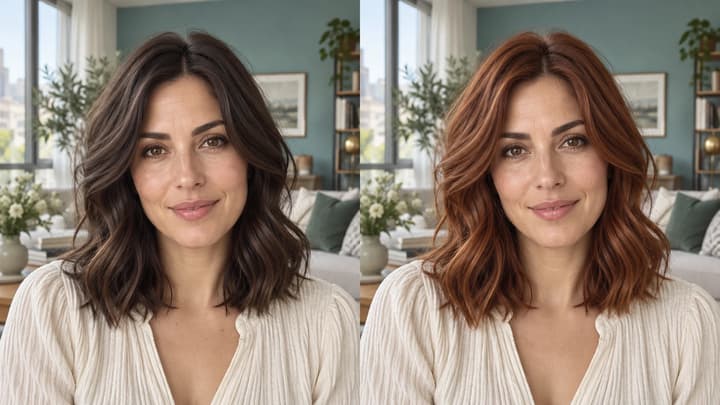
Change hair color in a photo with AI. Use a color template, upload a reference or describe your color in words, then compare and download the result.
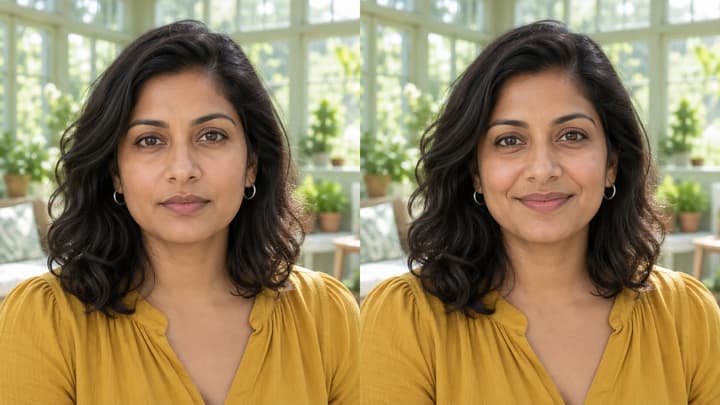
Edit facial expressions with AI. Choose a smile, reaction template or your own expression reference, then generate and review your portrait or character image.

Upload an image, describe the edit, and create polished visuals for products, social posts, posters, or keyframes.

Review credits and plans before generating.