How to Make a Clothing Brand Logo
Define your audience and first garment use, choose a wordmark or symbol, write a focused brief and generate an SVG. Check spelling, one-colour readability and the design at its smallest intended size before sending it to a supplier.
LumiYing TeamUpdated
Choose the job your logo needs to do
Lead with the name
A wordmark helps introduce an unfamiliar name. Long names need careful spacing, especially on a narrow neck label.
Use a compact symbol
A monogram or simple icon can fit a hem tab or avatar. Keep a readable name version for places where people need to learn the brand.
Combine name and image
A combination mark connects a symbol with a wordmark. Test the two together and separately before deciding how each will be used.
From brand brief to a usable logo
Define the wearer and the first placement
Write one sentence about who wears the clothes, what makes the collection distinctive and where the logo first appears. For example, a skate label needs an assertive mark that still reads on a small neck label. Avoid describing every possible audience.
Choose one visual direction
Pick a wordmark, initials or a symbol with a name. Set a restrained palette and describe the letter style. State the exact brand spelling and whether a slogan is needed. Comparing one clear direction at a time makes changes easier to judge.
Generate a focused SVG concept
Enter the brief in Clothing Brand Logo Maker, select an aspect ratio and resolution, review the displayed credits and generate. Use a square artboard for a compact mark or a wider one for a horizontal name. Download the SVG when ready.
Inspect shapes and lettering
Open the SVG in a vector editor such as Inkscape. Select individual shapes, check the drawing bounds and inspect every letter. Typeset the name again if the spelling or letter spacing is wrong. Keep an editable master before outlining text for delivery.
Test the smallest real use
Place a copy at the actual label width in your design document and view or print it at actual size. Check that letters remain separate and small gaps stay open. Make a one-colour copy and a reversed copy. Simplify details that disappear, then repeat the check.
Confirm production requirements
Ask the supplier for the placement size, safe area, accepted file format, colour requirements and a proof on the actual material. Embroidery uses a digitized stitch file prepared for the chosen product. An SVG concept still needs that production step. Approve a sample before ordering a run.
Checks before you choose a final direction
Three briefs and what to inspect
These AI-generated concepts illustrate design choices. Load their text to start a new SVG, then inspect the file you receive.
RIFTLINE streetwear
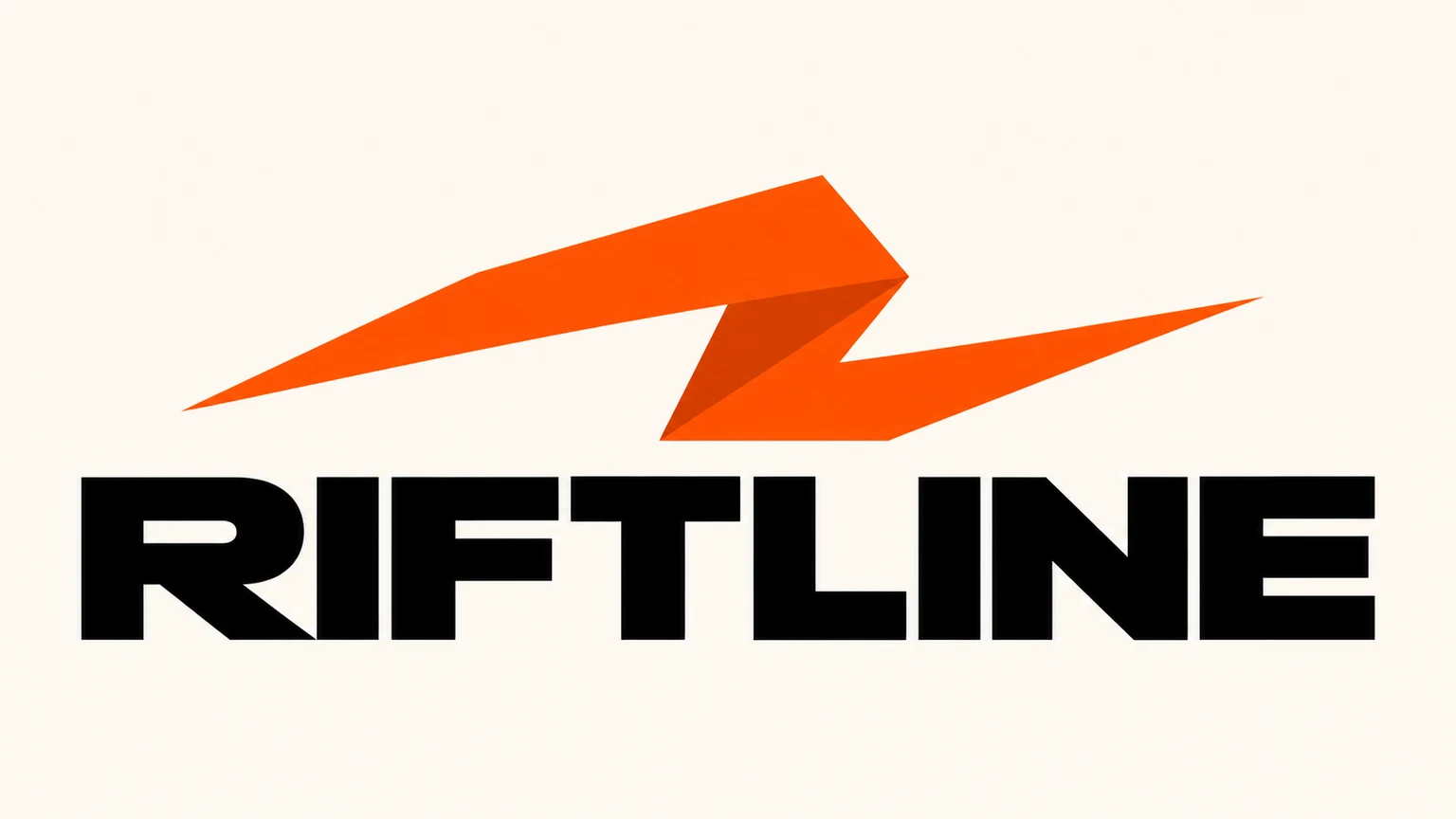
Create an original SVG clothing logo for RIFTLINE, a streetwear label. Use heavy extended black uppercase lettering and one angular orange folded-ribbon symbol on ivory. Keep the exact name, broad shapes and clear margins.
For a narrow label, the long name is the first constraint. Try the full wordmark at the actual width, then compare a separate ribbon mark for tiny placements. Check that the orange fold still makes sense in a one-colour version.
Load promptPINNIPOP childrenswear
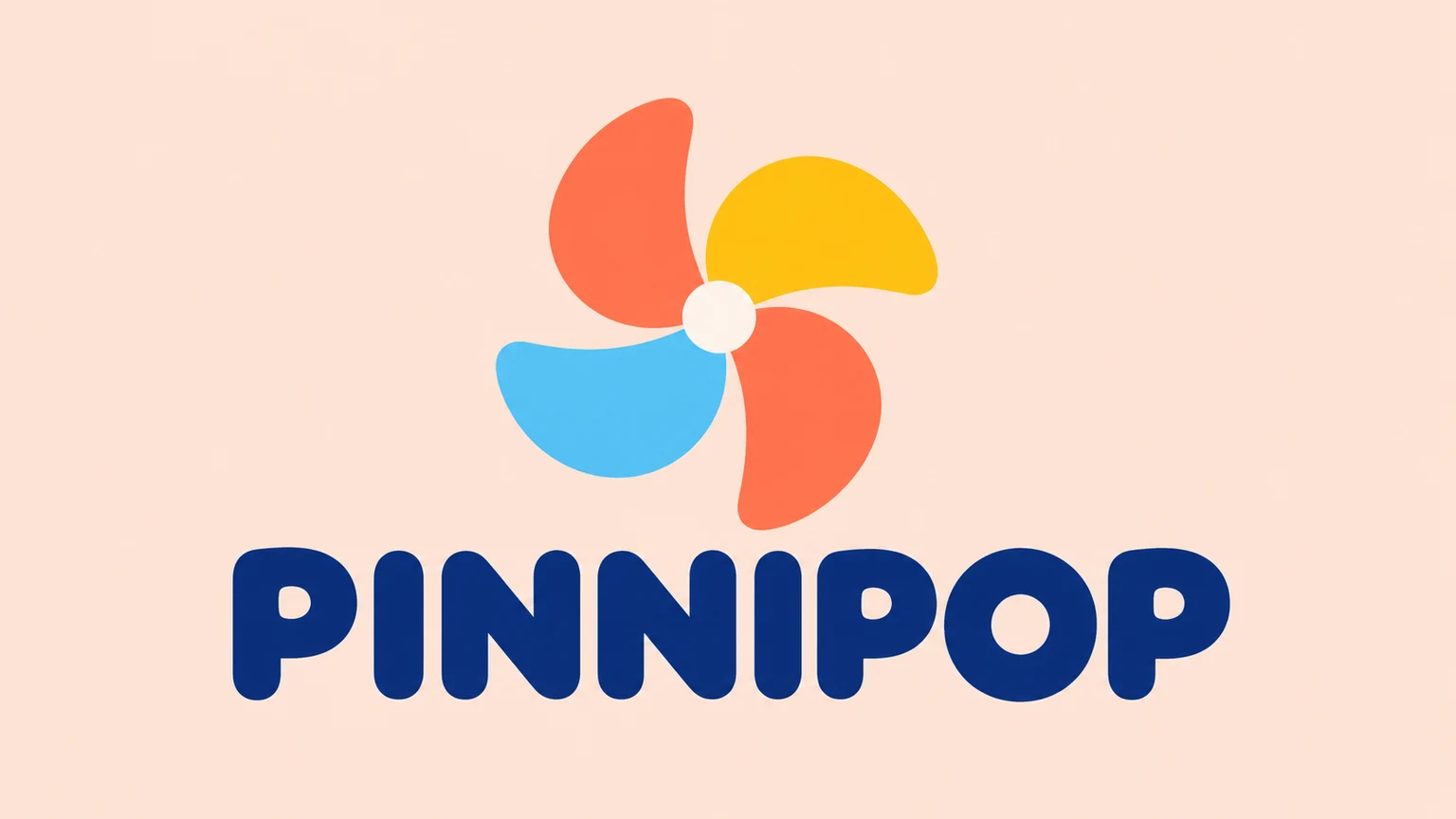
Create an original SVG children's clothing logo for PINNIPOP. Use a four-petal pinwheel in coral, yellow and sky blue above rounded dark-blue uppercase letters on pale peach. Keep the exact name and large open shapes.
The pinwheel carries the playful mood. Check that its four petals remain separate in one colour. On a tiny tab, use a simplified symbol version and keep the full name for a larger label.
Load promptRIDGEFORM outdoor
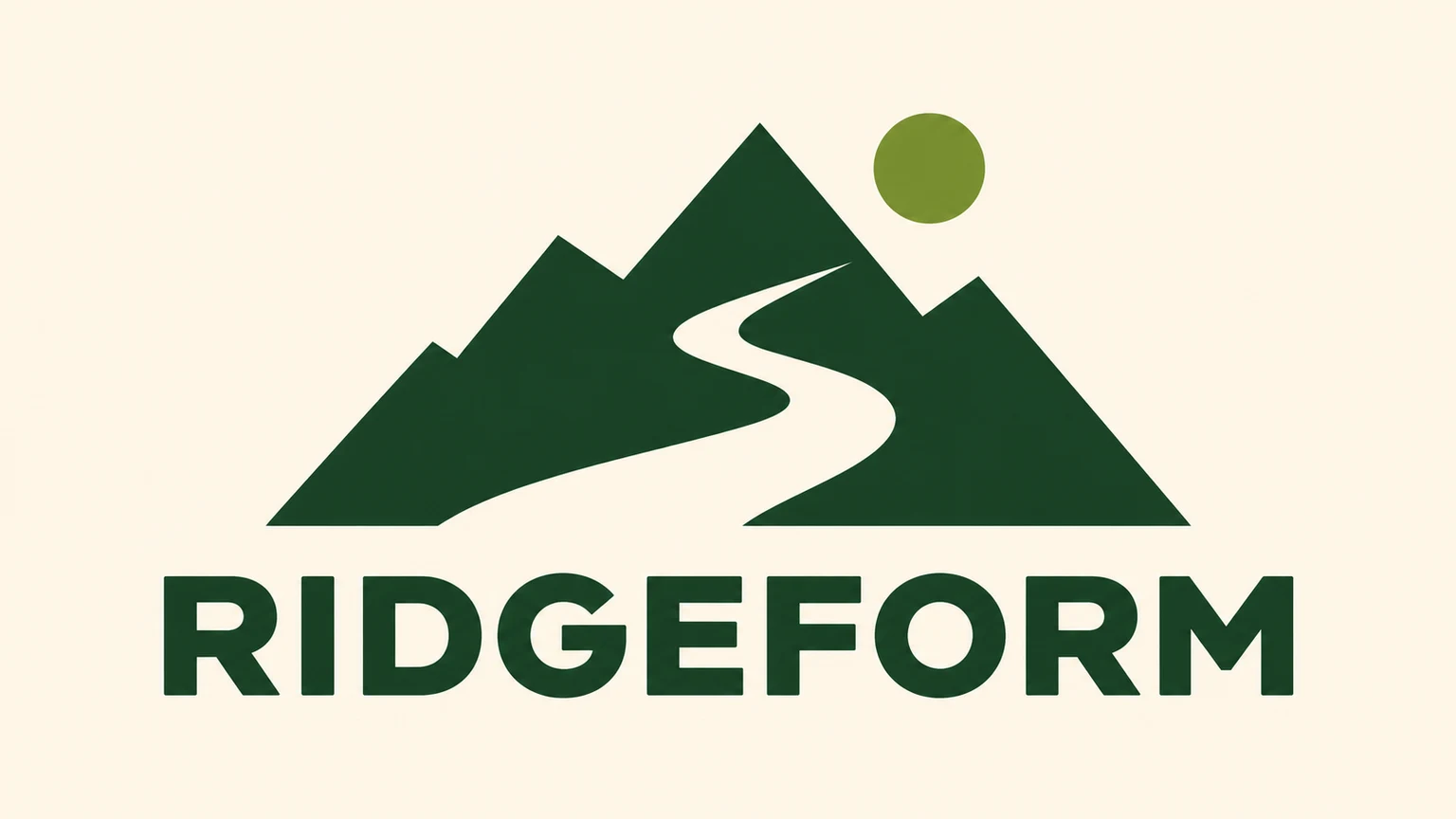
Create an original SVG outdoor apparel logo for RIDGEFORM. Use forest-green mountain peaks, a broad cream trail cutout and a moss-green sun above a sturdy uppercase wordmark. Keep the icon simple and the full name readable.
The cream path is an open gap in the mountain shape. Reduce the design to the intended size and check that the path stays visible. Review the full RIDGEFORM spelling and avoid adding tiny decorative text.
Load promptTroubleshooting
Related tools and guides
Clothing Brand Logo Maker
Create a clothing brand logo as an SVG from your text brief. Describe your brand name, audience, style and colours, choose the aspect ratio and resolution, then generate and review your design.
AI Vector Generator
Generate editable SVG artwork from text for logos, icons and illustrations. Describe your subject and style, choose the aspect ratio and generation resolution, then download the SVG file.
Write image prompts
Turn a rough visual idea into a prompt an image model can act on. Learn one reusable formula, follow a five-step revision loop, and study 10 prompts built for real creative tasks.
SVG — MDN
Check for an embedded bitmap, clipping and an unwanted background shape before sending the SVG.
Inkscape
Open the SVG in a vector editor such as Inkscape. Select individual shapes, check the drawing bounds and inspect every letter. Typeset the name again if the spelling or letter spacing is wrong. Keep an editable master before outlining text for delivery.
Printful
Ask the supplier for the placement size, safe area, accepted file format, colour requirements and a proof on the actual material. Embroidery uses a digitized stitch file prepared for the chosen product. An SVG concept still needs that production step. Approve a sample before ordering a run.
Questions about clothing brand logos
Can I create a streetwear logo here?
Yes. Describe the brand name, audience and visual direction in the brief. A streetwear logo maker still needs a specific idea, such as broad lettering and a simple symbol, for useful variations.
Does the generator accept an existing logo?
This SVG workflow accepts text. To work from an existing logo, use an appropriate editing or tracing workflow. The concept examples load text and settings.
Is the SVG ready for embroidery?
Ask your embroidery supplier to check it. Embroidery requires digitization for the selected product and placement, followed by a sample check. The SVG is the artwork to review during that process.
How should I choose between logo ideas?
Compare them on the same label dimensions, in one colour and against the actual garment colours. Choose a readable direction before polishing the palette or making promotional mockups.