AI Mascot Generator

Character or sketch reference

0 / 30,100

Aspect ratio
Resolution

AI Mascot Generator

Create a custom mascot from a written brief or character reference. Choose the look and pose, generate a transparent PNG, and refine the character for your brand or community.

AI Mascot Generator

Give your idea a recognizable character

Product onboarding

Introduce a helpful guide

Create a welcoming character for a first visit, a helpful hint or a success message. Give each pose a clear purpose.

Brand identity

Put a personality behind the product

Describe the audience, personality and colors to explore a character for packaging, campaigns or a small business.

Communities

Give members a familiar face

Design a club, school or gaming-community character with a distinctive silhouette and a few recognizable details.

Campaign artwork

Adapt the action to the message

Use an accepted character as a reference for another gesture, expression or seasonal idea. Compare its identifying features after generation.

Mascot ideas to explore

Explore original AI-generated mascot concepts on light backgrounds. Load a text brief or a matching character reference to create your own PNG.

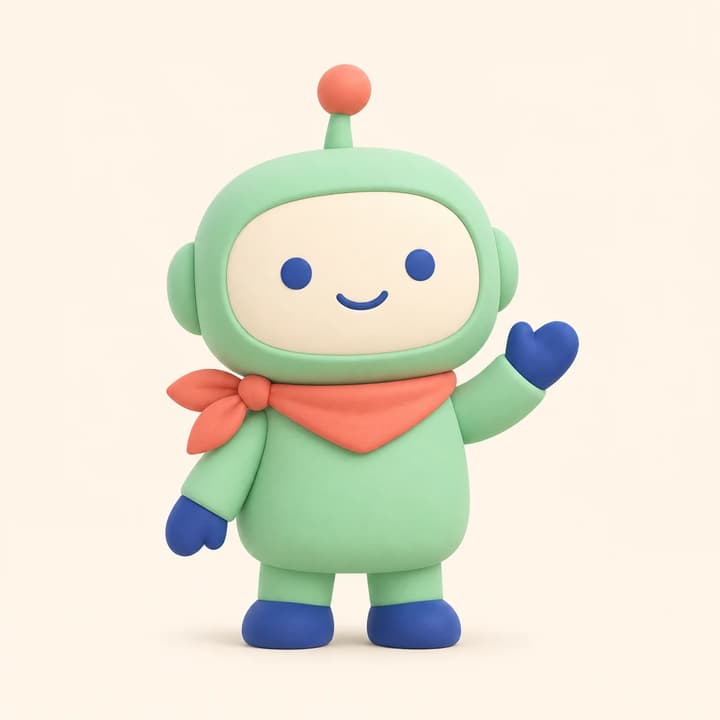
Product guide · A clear face and a coral scarf anchor this friendly robot.

Product guide

A clear face and a coral scarf anchor this friendly robot.

Mascot description

One friendly mint robot with an ivory oval face, cobalt eyes, hands and feet, a coral-tipped antenna and coral neckerchief tied on its left side. Full body, waving, matte 3D style, transparent background. No text.

Load this example
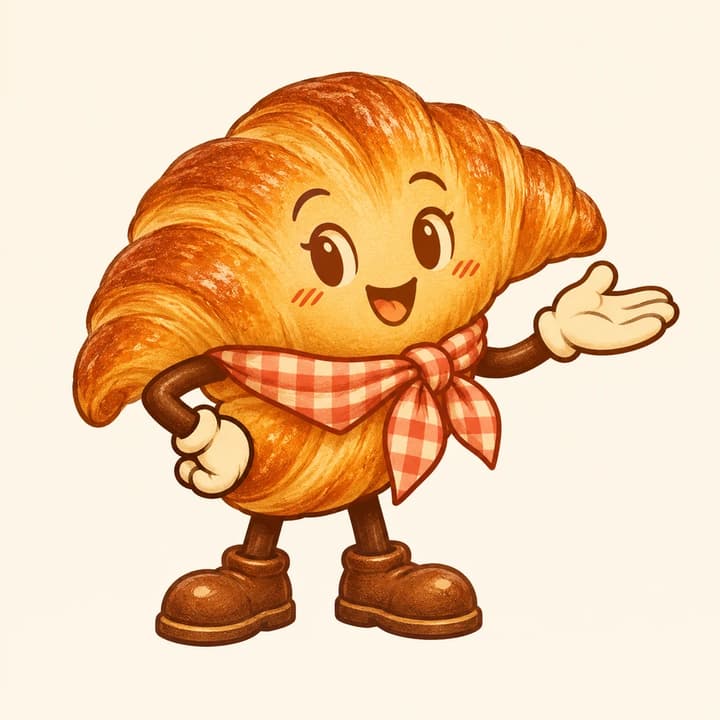
Neighborhood bakery · A familiar pastry becomes a cheerful brand character.

Neighborhood bakery

A familiar pastry becomes a cheerful brand character.

Mascot description

One golden croissant mascot with expressive brown eyes, a coral gingham scarf, cream gloves and sturdy brown shoes. One hand on its hip, the other presenting an open palm. Refined retro illustration, full body, transparent background. No text.

Load this example
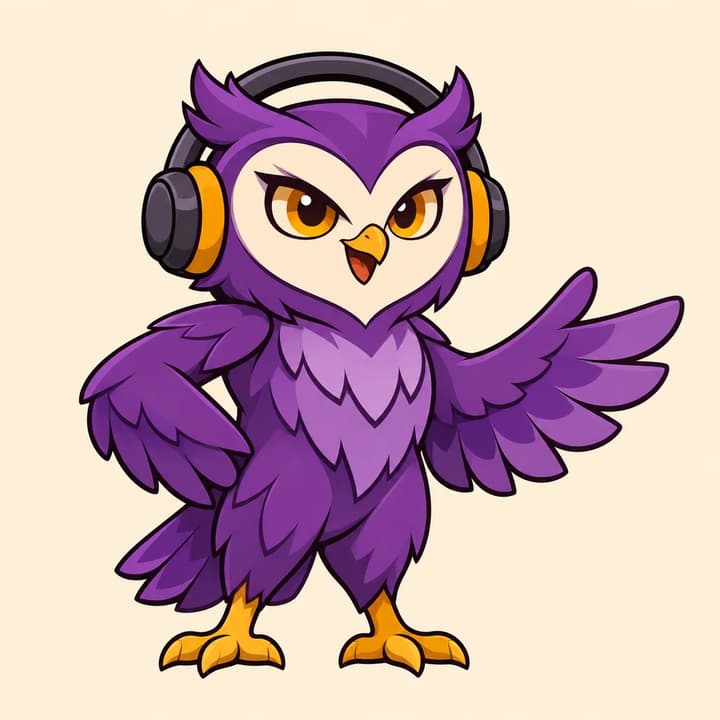
Gaming community · The headset and broad face keep the owl easy to recognize.

Gaming community

The headset and broad face keep the owl easy to recognize.

Mascot description

One full-body violet owl mascot with an ivory heart-shaped face, amber eyes and feet, and a charcoal headset with amber cushions. Confident friendly pose with one wing open. Bold clean 2D illustration, transparent background. No text.

Load this example
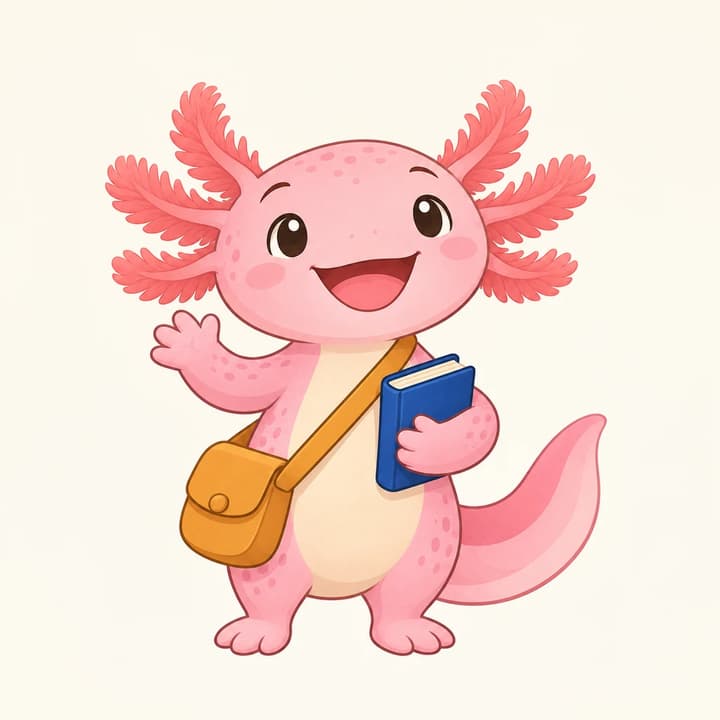
Learning club · A book and satchel make the character's role visible.

Learning club

A book and satchel make the character's role visible.

Mascot description

One cheerful pink axolotl with coral gills, a cream belly, an ochre crossbody satchel and one closed cobalt book held at its side. Full body with tail visible, refined storybook illustration, transparent background. No text.

Load this example
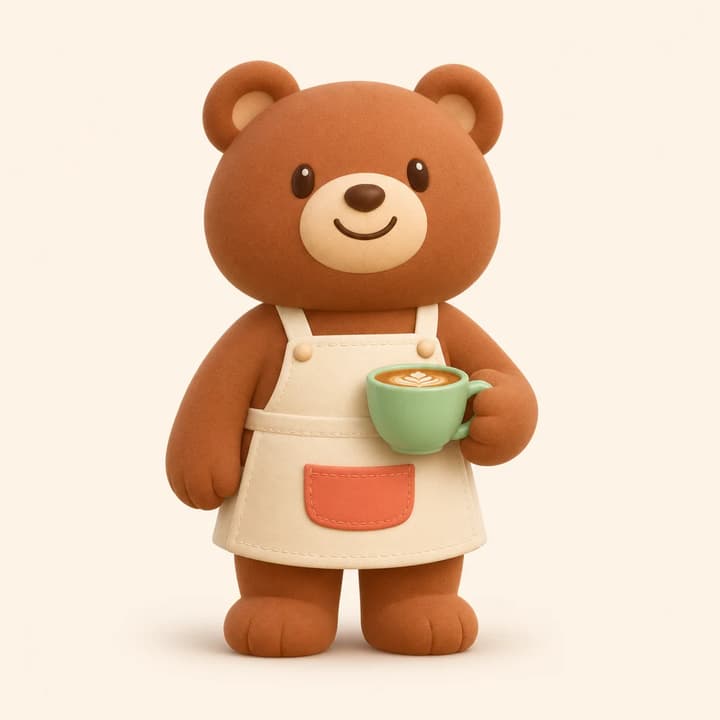
Cafe companion · A compact prop supports the barista's character.

Cafe companion

A compact prop supports the barista's character.

Mascot description

One cinnamon bear barista with round ears, cream muzzle, warm smile and ivory apron with a coral pocket. Hold one mint coffee cup at waist level. Full body, soft matte 3D style, transparent background. No text.

Load this example
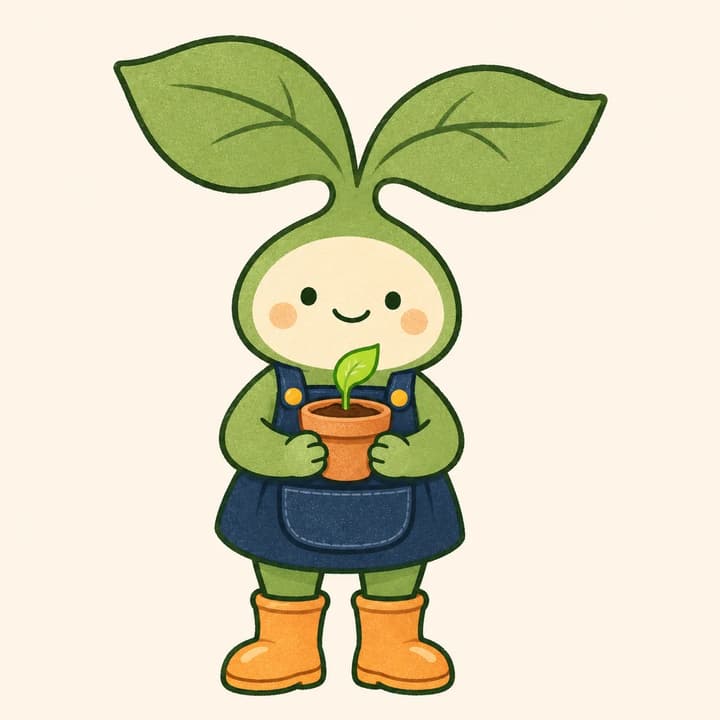
Garden helper · Broad leaves and a small pot define this shop mascot.

Garden helper

Broad leaves and a small pot define this shop mascot.

Mascot description

One friendly green sprout mascot with two sage leaf ears, cream face, navy gardening bib and apricot boots. Hold a tiny terracotta pot with one leaf. Full body, clean flat illustration, transparent background. No text.

Load this example
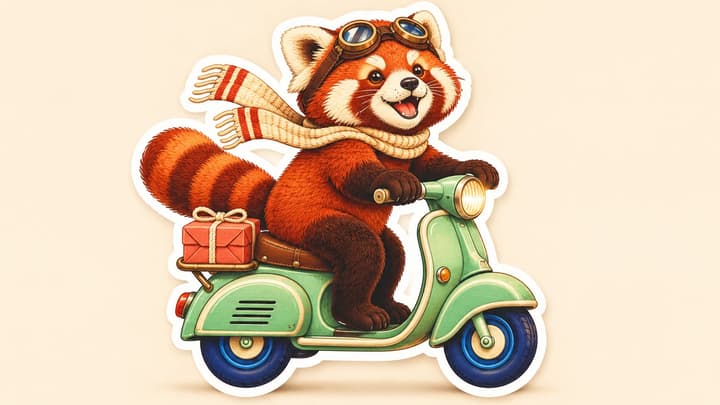
Character reference
Mascot concept

Point the way

Load the robot reference and change its gesture.

Mascot description

Use the robot reference. Keep its face proportions, mint body, coral-tipped antenna, left-tied coral scarf and cobalt hands and feet. Point clearly toward image-right and turn the head slightly that way. Full body, matching 3D style, transparent background. No text.

Load this example
Character reference
Mascot concept

Celebrate a milestone

Keep the cafe bear's identity while changing its action.

Mascot description

Use the bear reference. Keep its cinnamon fur, round ears, cream muzzle and ivory apron with coral pocket. Remove the cup and raise both paws in an open-arm celebration with a happy open smile. Full body, matching 3D style, transparent background. No text.

Load this example

How to create an AI mascot

1

Describe the character

Choose a role, personality, colors and pose. Add an optional character image or sketch when you want continuity.

2

Choose the framing

Select the aspect ratio and 1K, 2K or 4K resolution. Review the displayed credit price before generating.

3

Review and reuse

Check the face, silhouette and details. Download the PNG or restore the inputs with Re-edit to refine the next version.

Review the character in its actual setting

Identity

Compare face proportions, color areas and identifying accessories with the accepted reference.

Gesture

View a small preview and check whether the action is readable and the hands and props stay separate.

Placement

Place the downloaded PNG over light and dark backgrounds. Inspect the edge and leave room for nearby page content.

AI mascot questions

Can I start from an existing mascot?

Yes. Upload one JPEG, PNG or WebP up to 30 MB. Describe the pose or change and name the features you want to retain. Compare each result with the reference.

What does the tool generate?

One static PNG requested with a transparent background. Choose the aspect ratio and 1K, 2K or 4K. Both flat and 3D-style character illustrations can be described in the brief.

How do I create another pose?

Use an accepted character image as the reference, then describe one new gesture or expression. Keep the important colors, proportions and accessories explicit in the brief.

Does loading an example cost credits?

No. Loading an example is free. Credits are charged only when you generate an image, at the price shown for the selected resolution.

Can I use the mascot in a video?

After reviewing the image, use the result's video action to continue in the existing video workflow. Review that workflow's settings and price before generating motion.

AI Mascot Generator