How to Make a Twitch Logo
Choose a recognisable channel symbol, write a focused brief and generate a square SVG. Check the letters and small-size silhouette, export a PNG in a vector editor, then upload it through Twitch’s channel settings.
LumiYing TeamUpdated
Decide what the smallest version needs to show
Start with the stream
Name the subject and mood viewers should recognise. A quiet chatting channel may need a different shape from a competitive team.
Separate symbol and full name
A long handle can become unreadable in an avatar. Plan a compact symbol for small placements and a name version for larger graphics.
Choose a limited palette
Pick a main colour, a contrast colour and a background. Keep these consistent while comparing different symbols.
From a channel idea to an uploadable file
Write down the channel identity
Record the exact handle, stream category and two or three mood words. Choose one subject that represents the channel. For example, NIGHTBYTE pairs late-night games with a compact owl. Describe an original character rather than asking for another channel’s mark.
Write one focused brief
State the symbol, palette, letter style and background in plain language. Say whether you want the full name, initials or just the symbol. Keep the name and palette steady when comparing ideas so you can see which shape works better.
Generate a square SVG
Enter your brief in Twitch Logo Maker. Start with 1:1 for an avatar, select the resolution and review the displayed credits before generating. Download the SVG. A wider artboard can suit a horizontal name layout, but prepare a separate square version for your profile.
Inspect the vector artwork
Open the SVG in a vector editor such as Inkscape. Select the shapes, inspect the drawing bounds and read every letter against the original handle. Correct spelling and crowded spacing in the editor. Check the backmost shape if you want to change or remove the background, and keep an editable SVG master.
Export and check a PNG copy
Set a square page with space around the symbol. In Inkscape, open File → Export, choose Page and enter the pixel dimensions needed for your upload. Export PNG, reopen it and check the background. View copies at 32 and 64 pixels as design checks. If eyes or letter gaps merge, simplify the artwork and export again.
Upload through Twitch’s Brand settings
In Creator Dashboard, open Settings → Channel → Brand, then Add Profile Picture. Twitch’s setup guide accepts JPEG, PNG or GIF up to 10MB. Use your PNG copy and check the current form’s dimensions and crop before saving. Review the actual profile display, and keep the SVG for later changes.
Check the file before uploading
Three channel briefs and their checks
These AI-generated concepts illustrate possible directions. Load their text for a new SVG, then inspect your own result and PNG export.
NIGHTBYTE · Gaming
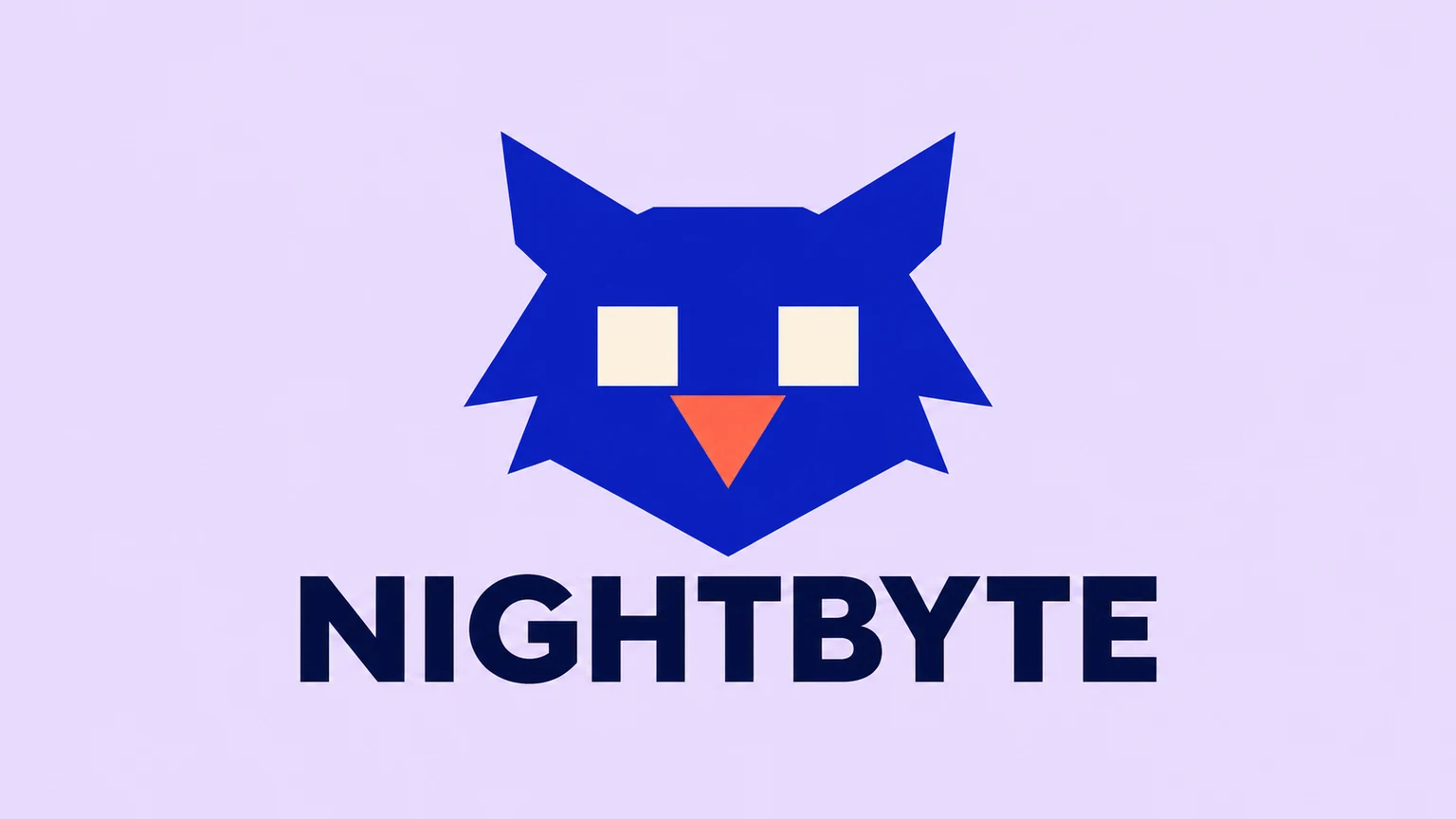
Create an original static SVG channel logo for NIGHTBYTE. A compact cobalt owl, cream square eyes and a coral beak, with broad dark-navy uppercase lettering on pale lavender. Keep the exact name and complete symbol inside generous margins. Use clean broad shapes, clear gaps and no slogan.
The owl’s two eyes carry the character. Reduce a copy to see whether the cream openings stay separate. For the smallest avatar, compare a symbol-only version and keep NIGHTBYTE for a larger name layout.
Load promptMELLOWOTTER · Cozy chatting
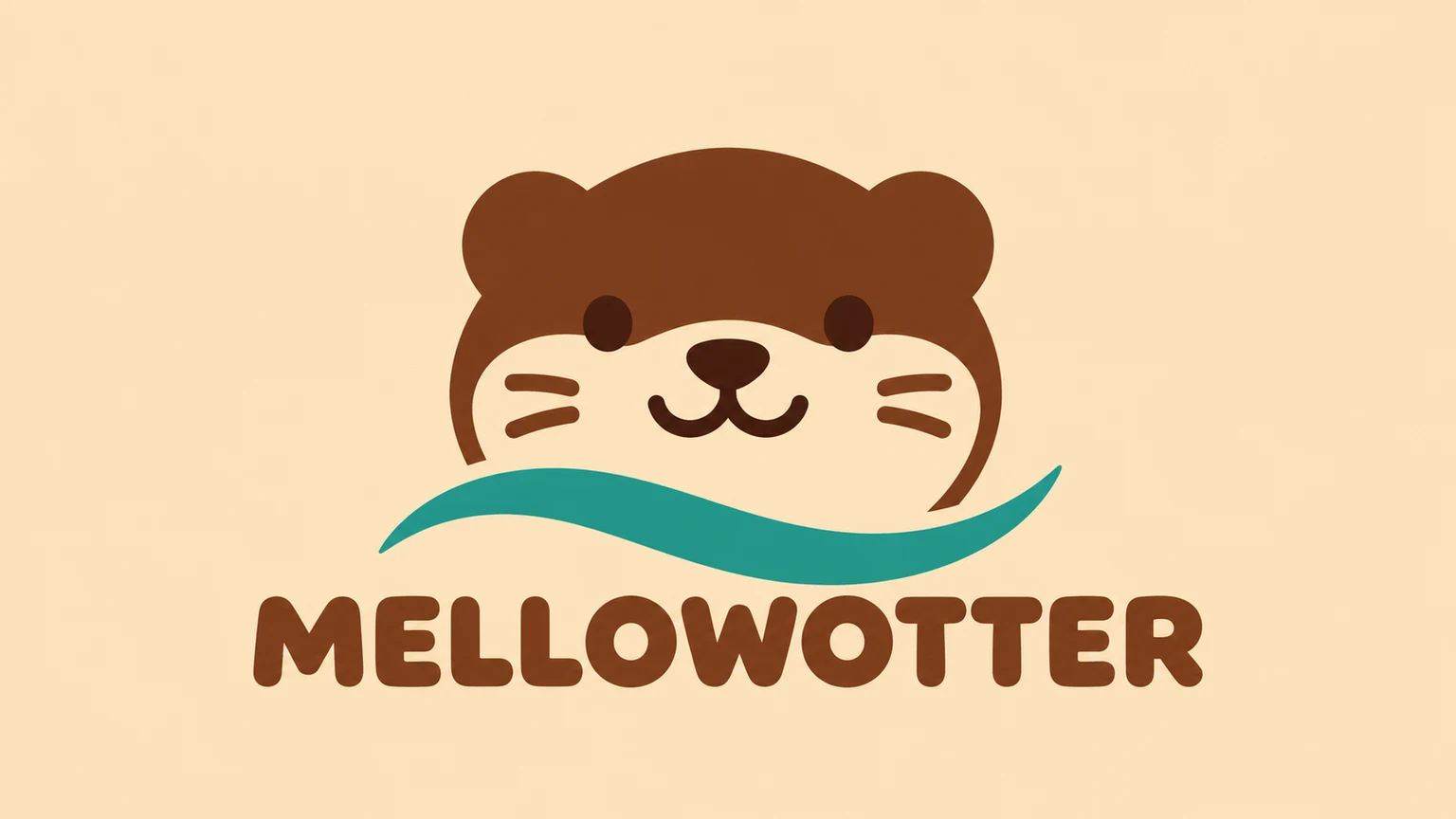
Create an original static SVG channel logo for MELLOWOTTER. A friendly brown otter head with a cream muzzle, round ears and a broad teal water curve. Rounded brown lettering on pale sand. Keep the exact name and complete symbol inside generous margins. Use clean broad shapes, clear gaps and no slogan.
The otter’s round ears and broad muzzle establish the softer mood. Check that they remain recognisable without the water curve. MELLOWOTTER is a long name, so keep its full lettering out of the smallest symbol-only version.
Load promptLOOPROOM · Music
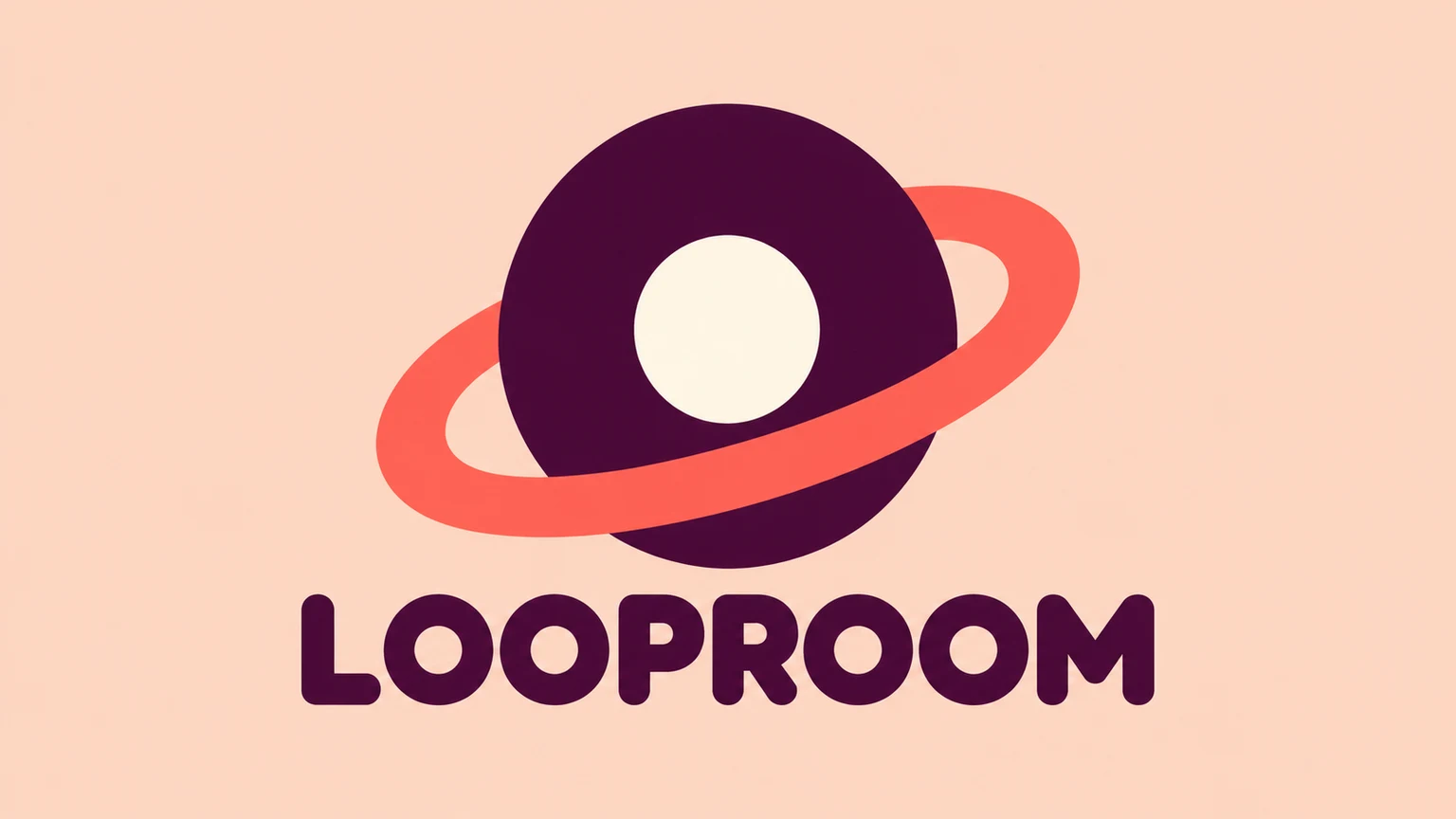
Create an original static SVG channel logo for LOOPROOM. A plum vinyl record and one broad coral loop, a large open centre and rounded plum lettering on pale peach. Keep the exact name and complete symbol inside generous margins. Use clean broad shapes, clear gaps and no slogan.
The record uses one large opening and a broad loop. Check that the loop remains distinct in a single-colour copy. Keep the full LOOPROOM name for larger placements if it becomes too small in the avatar.
Load promptTroubleshooting
Related tools and guides
Twitch Logo Maker
Create an original Twitch channel logo from a text brief. Choose a mascot, monogram or wordmark, set the aspect ratio and resolution, and download an SVG to refine for your channel.
AI Vector Generator
Generate editable SVG artwork from text for logos, icons and illustrations. Describe your subject and style, choose the aspect ratio and generation resolution, then download the SVG file.
Clothing Brand Logo Maker
Create a clothing brand logo as an SVG from your text brief. Describe your brand name, audience, style and colours, choose the aspect ratio and resolution, then generate and review your design.
How to Make Twitch Emotes
Make a readable Twitch emote with one clear reaction, a focused character brief and a transparent PNG. Check the 28px preview and prepare your upload.
Questions about Twitch logos
Can I make a custom Twitch mascot?
Yes. Describe an original character, its expression, colours and channel name in the brief. Review the resulting SVG at small size before choosing it.
Can I upload an existing logo or a photo?
This SVG workflow uses text. The examples load written presets and settings. Existing artwork needs an appropriate editing workflow.
Can I upload the SVG directly to Twitch?
Twitch’s profile picture guide lists JPEG, PNG and GIF. Keep your SVG source and export a PNG copy in a vector editor before uploading.
Will the result have a transparent background?
Describe the background you want, then inspect the file. You can remove a background shape and configure export transparency in a vector editor before saving your PNG.
Does a logo need the full channel name?
Choose based on the placement. A compact symbol or monogram can work better in a small avatar, with the full name on a larger companion graphic.