A seated introduction
Check the first word and the short pauses in a direct-to-camera shot.
Replacement speech
Change the dialogue in an existing video with your own voice recording. Upload a clip and replacement speech to generate new mouth movements with Lip Sync AI.
Play the source and result with sound. Load a video and its replacement recording to try a new take.
Check the first word and the short pauses in a direct-to-camera shot.
Lip Sync AI generates mouth movements that follow your uploaded speech, using an existing video as the visual reference.
Give a presenter your recorded line and guide the mouth through its words and pauses.
Upload a spoken translation to guide mouth movement with its pronunciation and rhythm.
Pair a clear character clip with a recording of its dialogue to guide the mouth shapes.
Use a rerecorded line to guide lip movement, including closed-mouth sounds and silent pauses.
Choose a model and upload one MP4 or MOV with a single visible speaker.
Add a clear MP3 or WAV recording that fits inside the source video. Output length is set automatically from the video.
Review the credits, generate, then check the words, pauses and face before downloading.
It uses your source video and a replacement recording to generate a new spoken performance. The default direction asks for matching lips and consistent identity, framing and surroundings.
This tool takes an existing video and recorded speech. Use AI Talking Avatar when starting from a photo. Prepare text as an MP3 or WAV in a separate voice tool.
Upload one MP4 or MOV and one MP3 or WAV. Depending on the model, video limits are 50 or 200 MB and 15 or 30 seconds. Audio is limited to 15 MB. Follow the displayed model limits and keep the recording within the source video length.
The recording guides the words, voice and timing, and the model regenerates the video and sound. Listen for changed pronunciation, timbre or leftover original dialogue before accepting a result.
Longer audio is rejected before generation. For shorter audio, the default direction asks the speaker to rest silently after the speech. Trim or re-record long lines before uploading.
The quote uses the selected model, resolution, measured source length and automatically determined output length. Loading an example prepares the form. Press Generate to submit it.
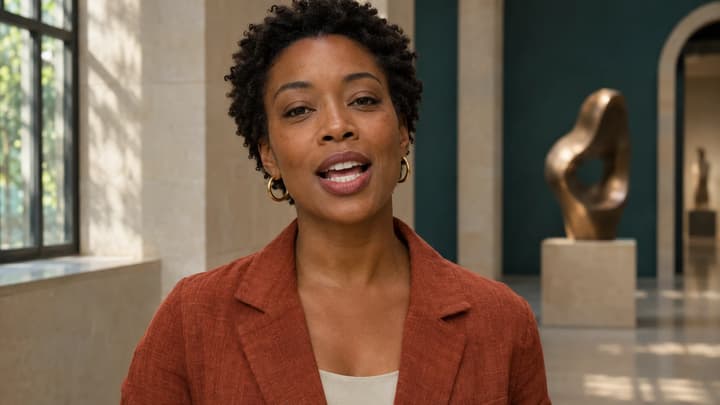
Prepare existing footage and replacement speech, match their timing, and check mouth movements, face continuity and sound before keeping a dubbed take.
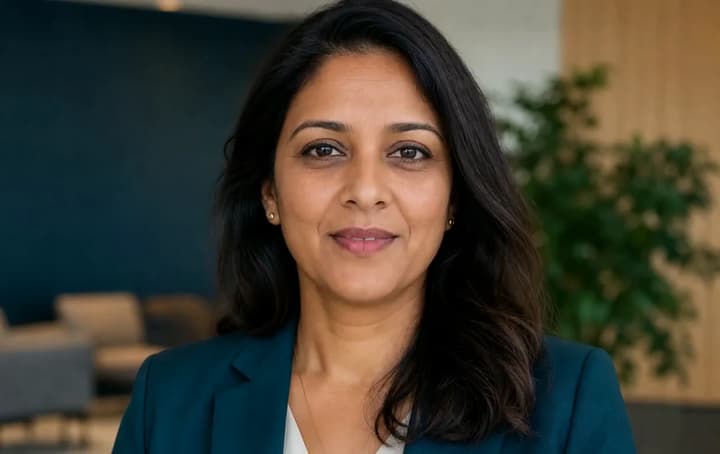
Make a portrait speak with your uploaded voice recording. Choose an audio-compatible model and direct the expression, framing and length of one short talking video.
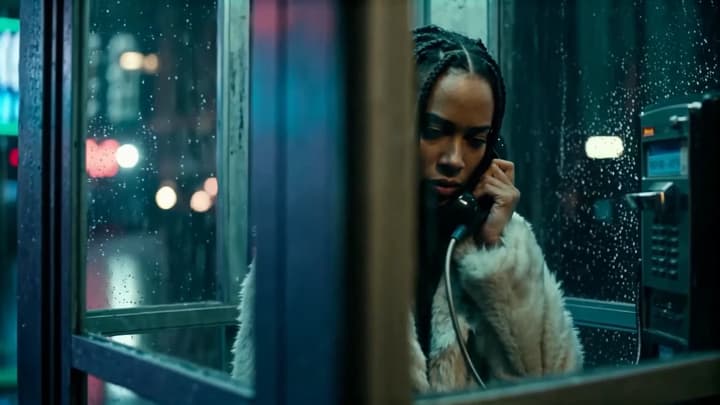
Turn an audio clip and reference images into a short AI video. Describe one scene, choose an audio-compatible model, and generate a new shot.

Edit a video with text. Upload your clip, describe a change to clothing, objects, background or lighting, and add reference images when you need a specific look.