Twitch Emote Maker

Character reference

0 / 30,600

Resolution

Twitch Emote Maker

Create custom Twitch emotes from text or a character reference. Choose a reaction, generate a square transparent PNG and review it at chat size.

Twitch Emote Maker

Make a reaction your chat can recognize

One reaction

Give chat a clear response

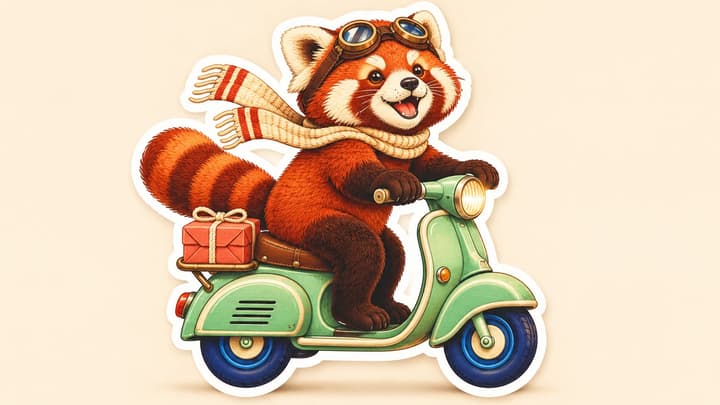
A cup-raising hamster suggests a friendly greeting. Start with a single emotion or gesture viewers can recognize quickly.

Your character

Keep a recognizable identity

Add one optional character image and describe the new expression. Name the markings, colors or accessories that matter.

Clear shapes

Make the expression stand out

A broad face, separated features and a simple outline help the reaction stay readable when the image shrinks.

Transparent PNG

Prepare a square master

Generate at 1K, 2K or 4K. Download the PNG, check its transparent edges and inspect a 28px copy before uploading.

Emote ideas to try

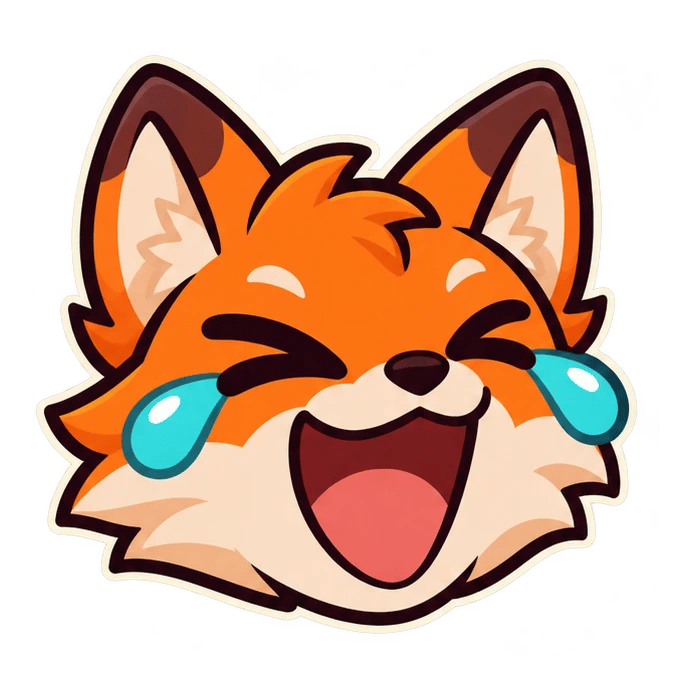
Laughing fox · Chunky tears and closed eyes carry the laugh.

Laughing fox

Chunky tears and closed eyes carry the laugh.

Emote description

One original orange fox face laughing with two large turquoise tears, eyes joyfully closed, broad dark outlines, cream cheeks. Large face, transparent background, no text.

Load this example
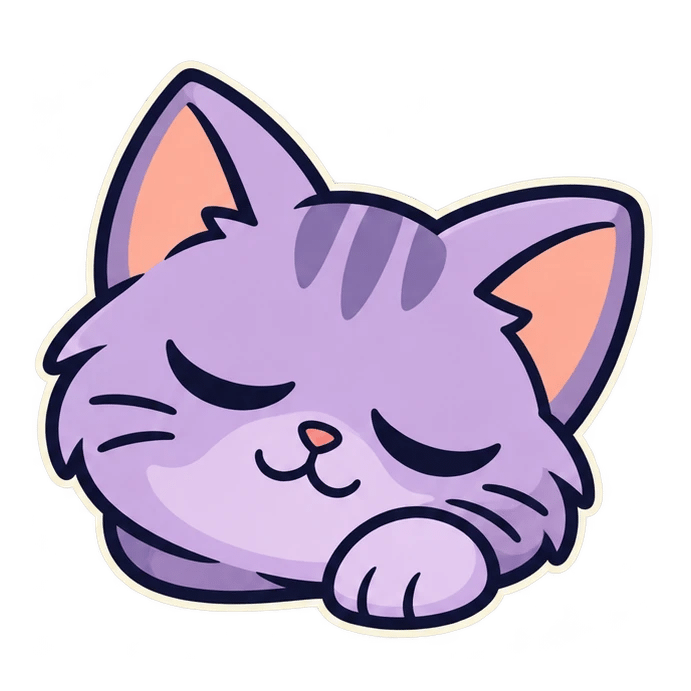

Sleepy cat · Closed eyes and a relaxed paw suggest a quiet sign-off.

Sleepy cat

Closed eyes and a relaxed paw suggest a quiet sign-off.

Emote description

One sleepy lavender cat face with closed eyes, a small relaxed paw and peach ear interiors. Bold navy outline, simple shading, transparent background, no text.

Load this example

Approving robot · One large thumb gives the reaction a clear gesture.

Approving robot

One large thumb gives the reaction a clear gesture.

Emote description

One friendly teal robot with bright lime eyes, an orange antenna and a single clear thumbs-up hand. Strong silhouette, broad dark outlines, transparent background, no text.

Load this example
Surprised axolotl · Wide eyes and a round mouth make the surprise immediate.

Surprised axolotl

Wide eyes and a round mouth make the surprise immediate.

Emote description

One surprised cream axolotl with coral-pink gills, wide dark eyes, a round open mouth and paws beside the cheeks. Bold shapes, transparent background, no text.

Load this example

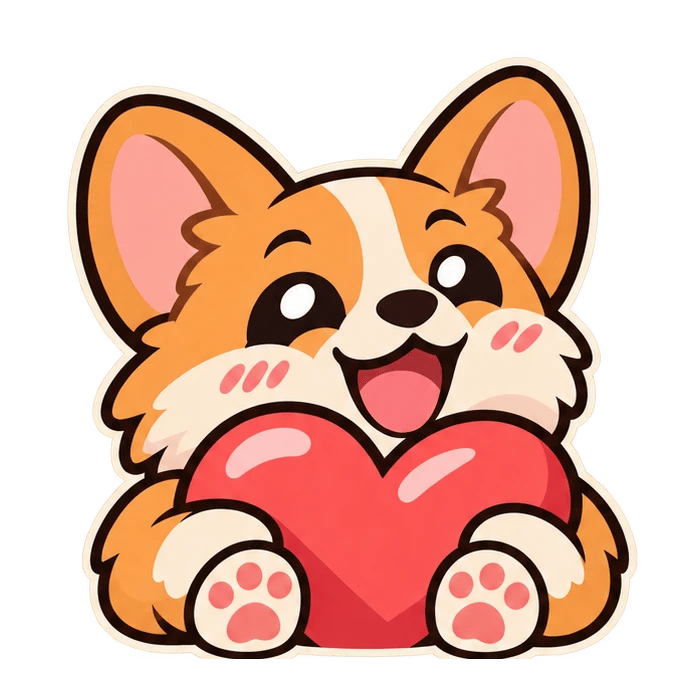
Love from a corgi · A single coral heart gives the paws a purpose.

Love from a corgi

A single coral heart gives the paws a purpose.

Emote description

One cheerful tan-and-cream corgi cuddling a large coral heart with two clear paws. Happy bold eyes, dark outlines, transparent background, no text.

Load this example
Wizard-frog hype · Raised arms reinforce the celebration.

Wizard-frog hype

Raised arms reinforce the celebration.

Emote description

One excited green wizard frog in a violet hat with one large gold star, both arms lifted, big open smile. Clean chunky shapes, transparent background, no text.

Load this example
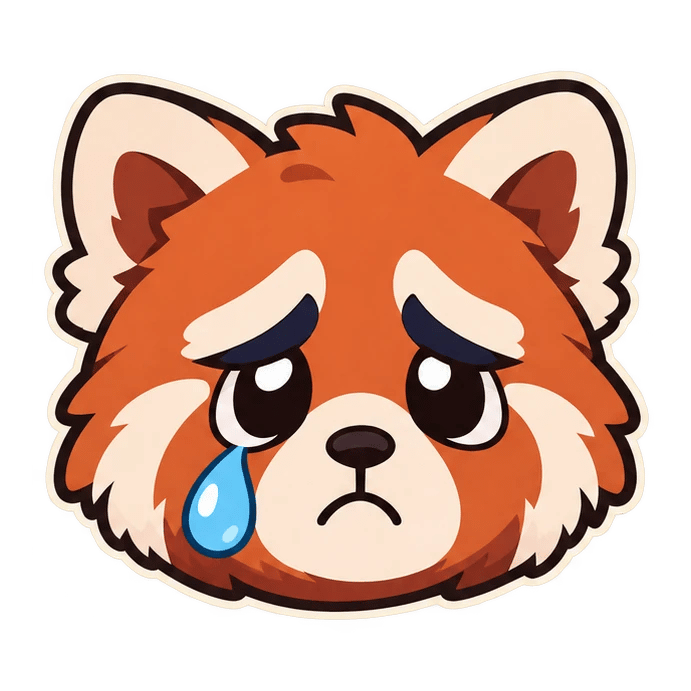
Sad red panda · One large tear keeps the feeling easy to read.

Sad red panda

One large tear keeps the feeling easy to read.

Emote description

One sad russet red panda face with cream cheeks, expressive dark eyebrows and one large blue tear. Large face, smooth bold outline, transparent background, no text.

Load this example
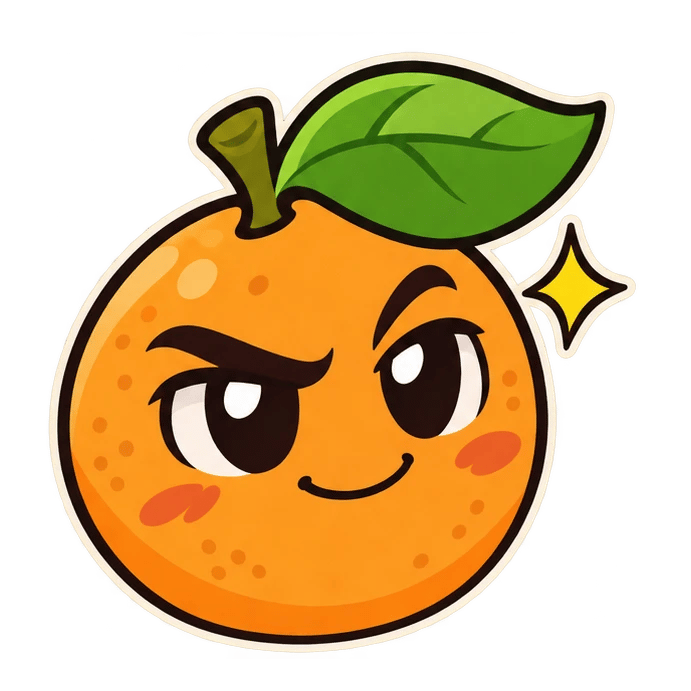
Cheeky orange · A raised eyebrow gives a simple mascot attitude.

Cheeky orange

A raised eyebrow gives a simple mascot attitude.

Emote description

One cheeky orange-fruit mascot with a large green leaf, raised eyebrow and confident small smile. Bold dark outline and limited colors, transparent background, no text.

Load this example
How to create a Twitch emote

1

Describe one reaction

Choose a character, emotion and visual style. Add a character reference if you have one.

2

Choose the resolution

The output stays square with a transparent PNG background. Review the displayed credit price.

3

Generate and review

Download the image and inspect its expression, edges and small-size readability.

Check the smallest version

At 28px

Can you identify the reaction without zooming in? Simplify eyes, tears or props if they merge.

On light and dark

Check the transparent edge against both backgrounds. Look for halos, clipped ears and stray pixels.

Before upload

Inspect the PNG dimensions and file size, then follow Twitch’s current emote requirements.

Twitch emote questions

Can I use my own character?

Yes. Upload one JPEG, PNG or WebP up to 30 MB and describe the expression you want. Review the result for consistent markings and features.

What does the tool generate?

One square static PNG with a transparent background. Choose 1K, 2K or 4K and inspect the downloaded file before uploading.

What size are Twitch emotes?

Twitch lists 28×28, 56×56 and 112×112 for manual uploads. Its auto-resize option accepts a square PNG from 112×112 to 4096×4096. Check the current dashboard and 1 MB file limit. For manual upload, Twitch’s subscriber guide requires the same image at all three sizes, each under 100 KB.

Is the Twitch emote maker free?

Generation uses credits. The button shows the price for your selected resolution. Loading an example only fills the description and settings.

How do I keep an emote readable?

Use one reaction, a large face and distinct eyes and mouth. Inspect a 28px copy at actual size, then simplify details that disappear.

Twitch Emote Maker