
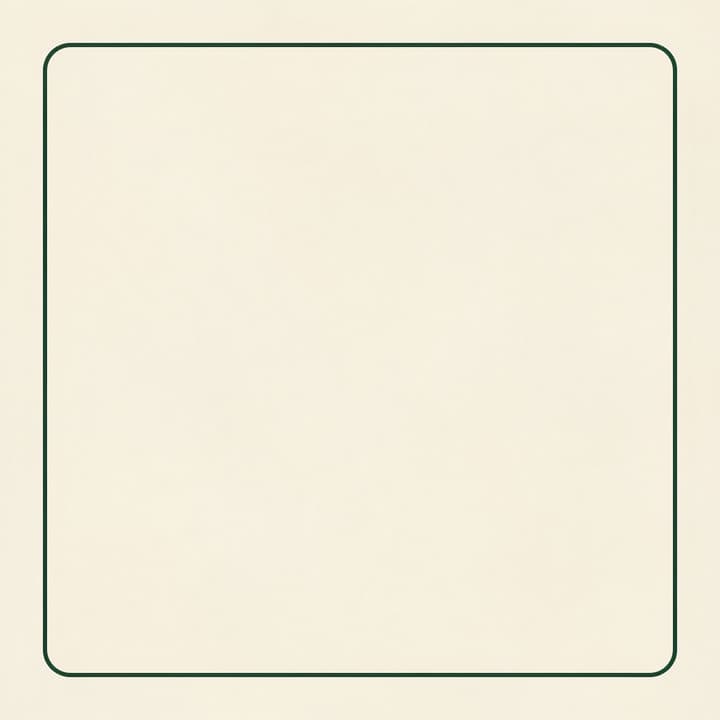
The base
The first split returned a clean base with the decorative border. Hide all foreground layers and inspect this full canvas before editing text.
Convert a flat image into PSD layers, inspect background reconstruction and OCR, and choose a useful PSD or PNG export for further editing.
LumiYing TeamUpdated
A useful layered PSD contains a base, separate raster elements and their positions. AI decomposition reconstructs these elements from the visible image. The result can give you a starting point for a revision, with edge cleanup, background repair and typography review as part of the workflow.
This walkthrough uses a controlled coffee-poster fixture with a cup, title, price and date. Two Seedream 5.5 analyses returned six and seven images. Both recognized the title and date. The price remained within a raster tag. Increasing the layer cap changed grouping and also left residual text in one base. The PSD export was opened in an independent editor. The six-output file had separate selectable layers and two editable type layers. A short date change worked with the clean base. The following checks help you decide whether a particular split is ready for your own revision.
Use the largest clean JPEG or PNG available and save an untouched copy. Heavy compression, tiny lettering and blurry edges make the later inspection harder. Crop unrelated content while keeping complete object outlines.
List the elements you need to move or revise, such as the product, its shadow and a heading. Grouping can vary between analyses. Budget time for masking or redrawing details that remain combined.
Open Image to Layers and upload one image. Start with 1K and a cap of 6, including the base. Increase the cap for a busier scene when finer separation is worth the displayed fixed fee.
Turn off every layer above the base. Look for duplicated lettering, missing texture and visible object remnants. In the second coffee test the base retained ENDS SUNDAY, so editing the separate date alone would leave overlapping words. Clean that area in the PSD editor.
Show each layer in turn and inspect its bounds against the source. In the six-output coffee split, the heading and date had OCR and the price tag remained pixels. Treat each element according to the returned data. Compare OCR spelling, punctuation and numbers before converting type.
Use PSD to retain placement and stacking. Enable editable text when you intend to revise recognized text, then inspect fonts and spacing in the editor. PNG ZIP includes the original patches and a layers.json placement map. An individual PNG is aligned to the complete canvas.
Open the PSD in a compatible editor and toggle every layer. Select a text layer with the Type tool, replace a short phrase and check the surrounding area at 100%. In the independent editor check, ENDS SUNDAY changed to ENDS MONDAY using the clean six-output split. Save the layered master, then export a flattened copy at the destination size.
Set the analysis scope first, then choose the export that fits the next editor.
These are actual PNG outputs from the two authorized tests. Transparent layers appear over the page background. The final card shows the second test’s residual date.
The first split returned a clean base with the decorative border. Hide all foreground layers and inspect this full canvas before editing text.

MORNING BLEND returned as its own transparent layer with OCR. The layer PNG uses its own pixel dimensions, while PSD export places it using the returned canvas bounds.
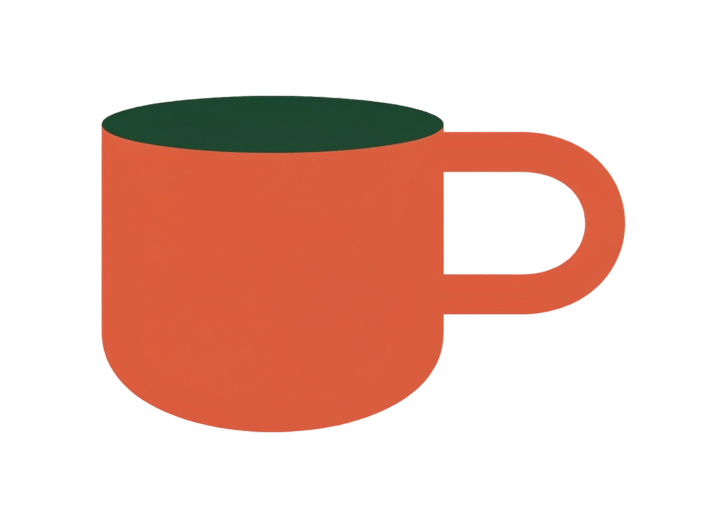
The cup became a raster layer. Inspect the handle opening and rim over a contrasting background before moving it.
The soft shadow returned independently. A translucent shadow can look almost empty against white, so check it on a darker background and keep its original placement.

The price and rounded tag stayed together as a raster layer. Editing the price requires a manual text replacement and cleanup in the layer editor.
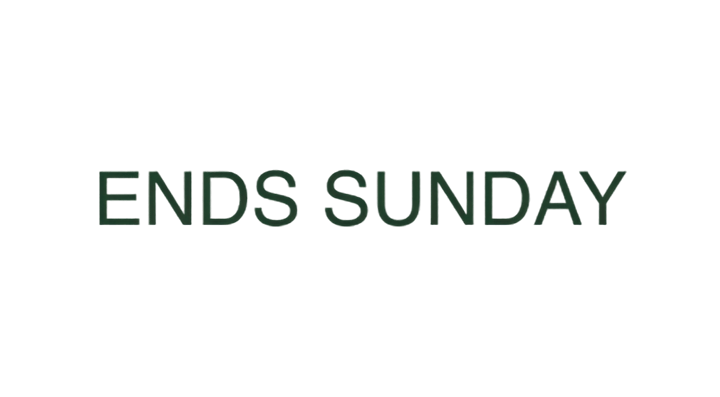
ENDS SUNDAY returned with OCR. Its approximate font can be changed in a compatible PSD editor. Compare the new type with the cached raster appearance.
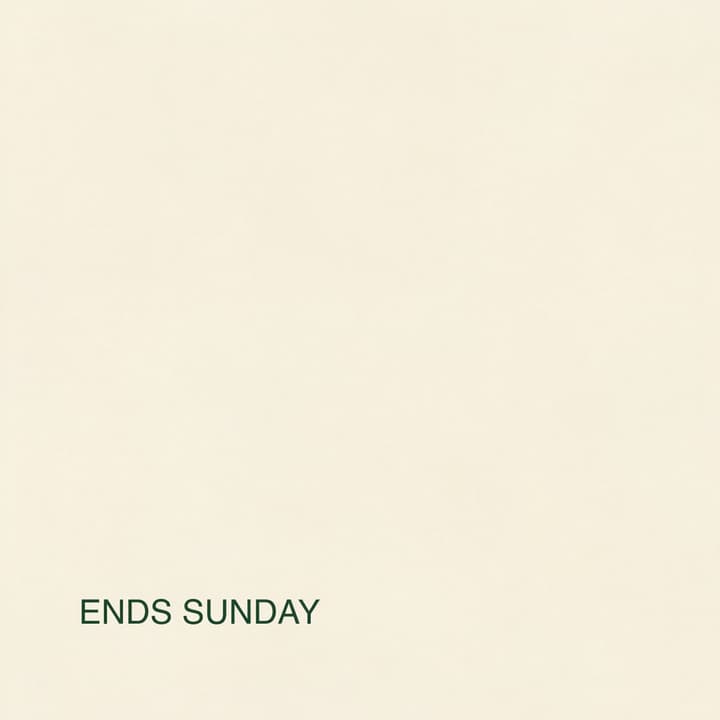
The second test used a cap of 12 and returned seven images. Its base still contained the date. The isolated-base check exposes this issue before a replacement date creates doubled lettering.
A reconstructed base and transparent raster layers, with positions and stacking order. Export a layered PSD, a ZIP of PNG patches with placement metadata, or individual aligned PNGs.
Yes. Upload one PNG or JPEG. The AI reconstructs separate visual elements, which you can inspect and export to PSD.
Editable-type export uses the regular text and style information actually returned by OCR. The tested $29 price stayed inside a raster layer. Fonts are approximate and may be substituted by your editor.
Choose an upper limit of 6 or 12 outputs, including the base. The returned count depends on the image. A 12-output test returned seven files.