How to Make a Soccer Logo
Choose one symbol for your team, write the exact name and a focused brief, then generate an SVG. Review the letters and paths, test a one-colour copy at the intended size, and prepare the files your kit supplier needs.
LumiYing TeamUpdated
Decide what the crest should represent
Choose one local idea
A bridge, animal or mountain can anchor the identity. Start with one strong motif so that smaller details have a clear role.
Write the exact name
Decide whether the badge needs the full name, initials and a founding year. Include a year only when the club actually wants it.
Plan the first placement
A chest badge, website icon and large banner need different checks. Record the intended size and background before comparing designs.
From a team brief to a checked logo file
Record the team and intended use
Write the exact club name, any initials or year to include, two or three colours and the first placement. Pick one meaningful subject. RIVERGATE FC, for example, can use a bridge as its local motif. Describe an original identity and decide which text is essential.
Write a brief with a clear hierarchy
State the main symbol first, followed by the badge shape, lettering and background. Ask for broad shapes and open gaps. Keep the name and palette steady while changing one motif or layout at a time so that comparisons answer a specific question.
Generate a square SVG
Enter the brief in Soccer Logo Maker, start with 1:1 for a compact crest, choose the resolution and review the displayed credits. Generate and download one SVG. Use a wider ratio when the intended layout calls for a separate horizontal wordmark.
Inspect the letters and vector shapes
Open the SVG in a vector editor such as Inkscape. Read each letter against the original name. Select the shapes to check their paths, overlapping edges and drawing bounds. Correct spelling or spacing directly. Inspect the backmost object if the background needs changing, and keep an editable master.
Test one colour at the intended size
Duplicate the artwork and give its foreground shapes a single ink colour. Preserve the necessary openings by making actual cut-outs or removing fills that should be empty. Place the copy at your planned badge width, then view it on light and dark kit colours. Widen gaps or simplify details when shapes merge. Ask your supplier for the limits of the intended process. In Inkscape, a separate shape can become a cut-out by placing it above the base, selecting both paths and choosing Path → Difference. Work on a duplicate and check the result before continuing.
Prepare previews and confirm production needs
In Inkscape, use File → Export, choose Page or Drawing and set the required PNG pixel dimensions. Reopen the exported preview and check its background and margins. Share the SVG master, a PNG preview, colour choices and intended physical size with the supplier. Confirm their accepted format and request a proof. Embroidery requires a digitised stitch file and its own approval.
Review the crest before handing it over
Three team briefs and what to check
These AI-generated concepts illustrate different choices. Load their text for a new SVG and review your own lettering, paths and small-size behaviour.
RIVERGATE FC · Local club
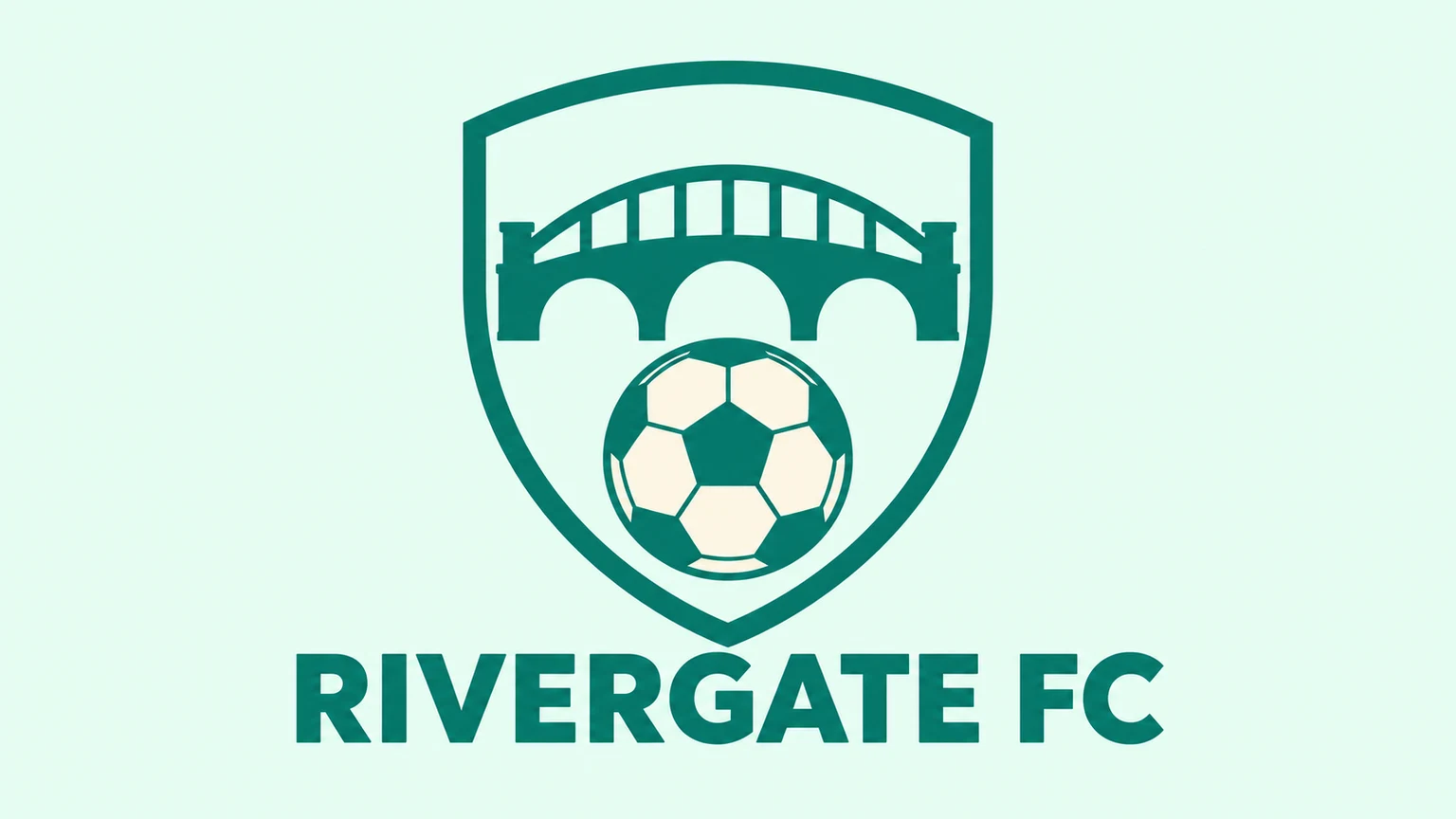
Create an original static SVG soccer team logo for RIVERGATE FC. A teal arched bridge above an ivory football in an open shield, with bold lettering and a pale mint background. Use the exact team name, a complete symbol and generous margins. Keep shapes broad and spaces clear. Include only the requested lettering.
The bridge supplies the local identity. At the planned badge width, check its arches and rails before adding more detail. If the bridge becomes a solid block, widen the openings or reduce the number of rails in the vector editor.
Load promptNORTHPEAK FC · Mountain club
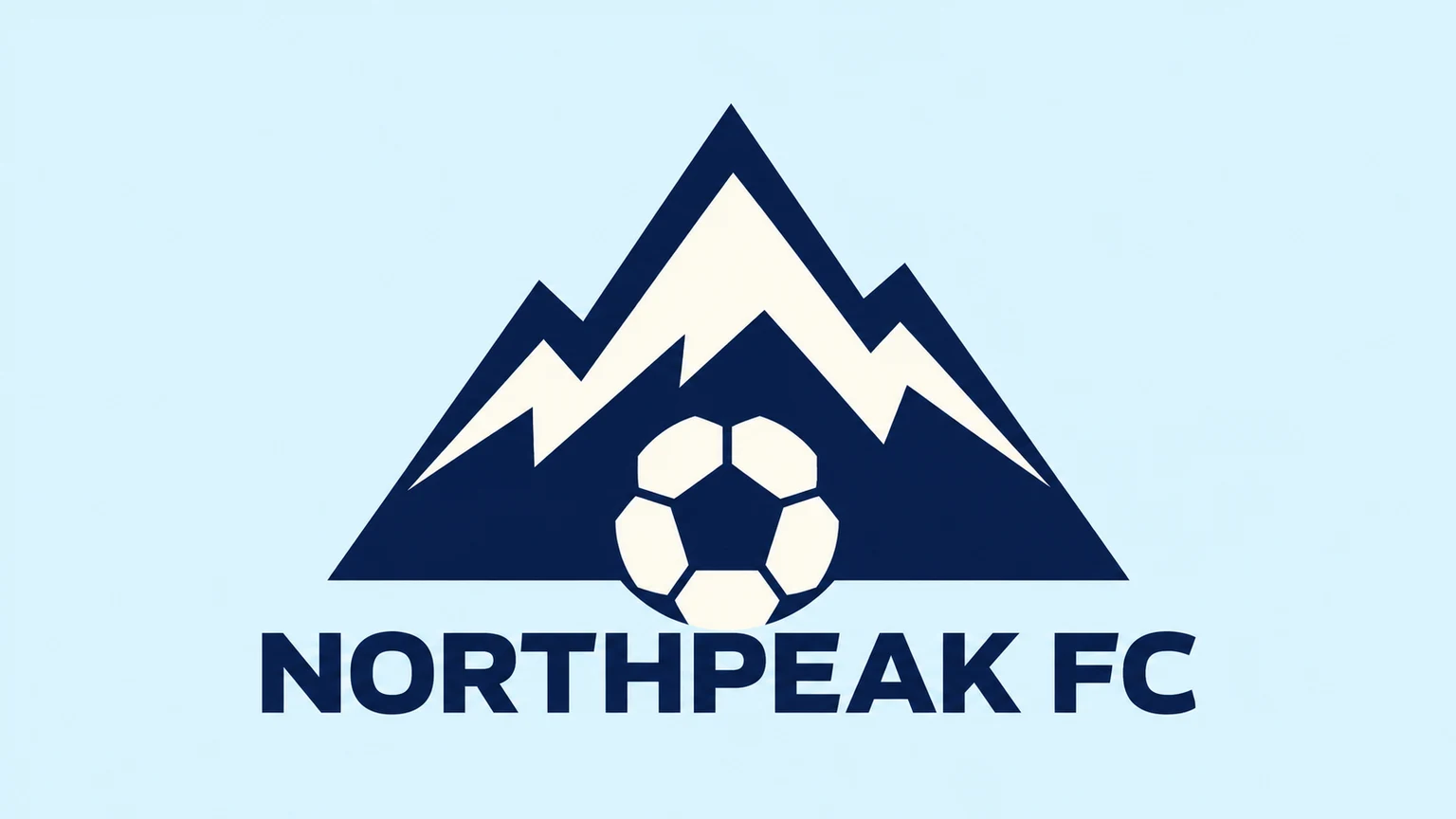
Create an original static SVG soccer team logo for NORTHPEAK FC. A navy mountain with broad ivory snow gaps and a football at its base, with clear lettering on icy blue. Use the exact team name, a complete symbol and generous margins. Keep shapes broad and spaces clear. Include only the requested lettering.
The mountain needs space between the snow and the navy shape. In a one-colour duplicate, turn required openings into cut-outs. An ivory filled object and an empty hole behave differently on a dark shirt, so check both the file and the intended background.
Load promptATLAS FIVE · Five-a-side

Create an original static SVG soccer team logo for ATLAS FIVE. A cobalt geometric ball with five broad panels and a citrus centre, with heavy sans-serif lettering on pale lavender. Use the exact team name, a complete symbol and generous margins. Keep shapes broad and spaces clear. Include only the requested lettering.
The five broad panels set a compact futsal direction. Check the spaces around the citrus centre in a single-colour copy. Keep ATLAS FIVE legible separately, and simplify the panels if they merge at the intended width.
Load promptTroubleshooting
Related tools and guides
Soccer Logo Maker
Create an original soccer team logo from a text brief. Set your club name, colours and symbol, choose the aspect ratio and resolution, and download an SVG to refine for your team.

AI Vector Generator
Generate editable SVG artwork from text for logos, icons and illustrations. Describe your subject and style, choose the aspect ratio and generation resolution, then download the SVG file.
Clothing Brand Logo Maker
Create a clothing brand logo as an SVG from your text brief. Describe your brand name, audience, style and colours, choose the aspect ratio and resolution, then generate and review your design.
Questions about soccer logos
Can I create a custom club crest or team badge?
Yes. Describe an original symbol, the exact team name, colours and badge shape. The tool creates one SVG from your written brief.
Can I upload our existing badge?
This SVG workflow starts with text. Examples load written presets and settings. Use a suitable editing workflow for existing artwork.
Can I put the SVG straight into embroidery production?
Ask your supplier to review it. An SVG contains artwork, while embroidery needs a digitised stitch file and a proof for the chosen fabric and size.
How do I check a one-colour version?
Open a duplicate in a vector editor, apply one foreground colour and preserve the required cut-outs. View it at the intended width on the kit background and adjust crowded details.
Can I download a transparent PNG?
The tool downloads SVG. Inspect or remove its background in a vector editor, then export a PNG with the required transparency and reopen it to check.