
AI Video Ad Generator

Model

Reference images

0 / 8,700

Duration
Aspect ratio

AI Video Ad Generator

Create a short video ad from an advertising brief or product photos. Choose a model, direct the action and generate a clip for your product, service or event.

AI Video Ad Generator

Video ad shot references

Compare the framing and action, then load a suggested prompt and reference image for your own ad.

A perfume detail

Use light and a slow camera move to reveal the bottle.

Load this example
Suggested prompt

Create a short perfume ad from the reference. A frosted square bottle with a silver cap rests on stacked smooth stones beside a purple flower. Begin with the whole bottle visible, then make a slow, small push-in as soft reflections travel across the glass. Keep the bottle, cap, flower and stone shapes consistent. Cool grey studio light, realistic materials, quiet ambient sound. End on a steady product view. No dialogue or on-screen text.
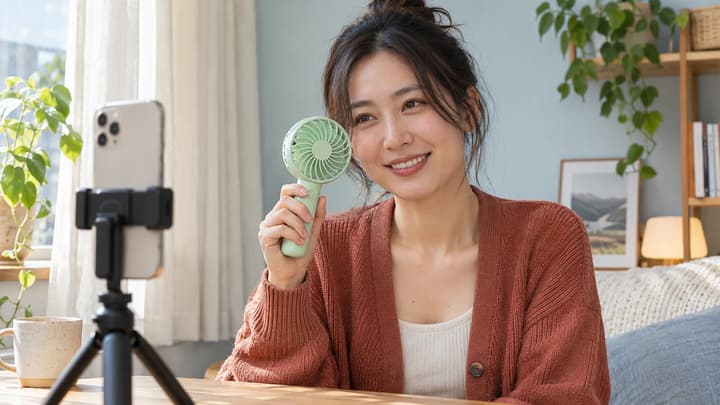
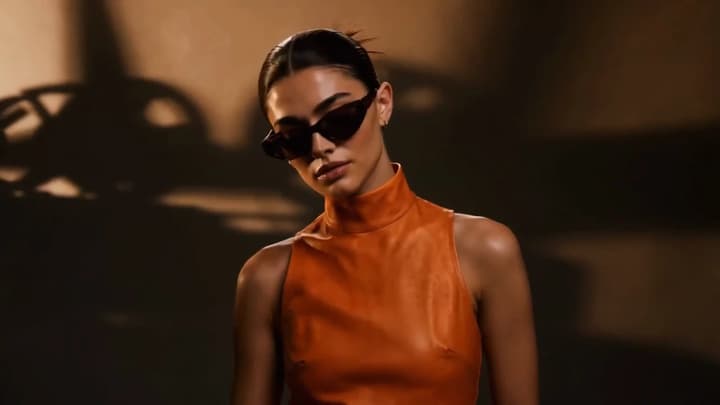
Shot reference

Make a short ad for what you offer

Start from an ad brief or add visual references. Direct a product demonstration, a service in action or a scene from an upcoming event.

Product

Start with the detail you want seen

Add product photos and describe one visible feature. Direct the light, camera and movement around that detail.

Service

Show what the customer gets

Describe the service in action, from a fresh coffee pour to a prepared meal. Give the opening shot a clear subject.

Event

Show the activity you are promoting

Turn a class, workshop or event brief into a short scene. Name the setting, action and final view.

Create a video ad

01

Write the ad brief

Choose a model. Add reference photos if needed, then describe the offer, audience and action to show.

02

Set the shot and duration

Choose a supported frame and duration. Put any spoken words in quotes and leave time for the ending.

03

Generate and review

Review the credit quote and generate. Watch the full clip, then download or re-edit the inputs.

AI video ad questions

What does the AI video ad generator make?

One short ad video from your brief and any reference images. The selected model sets the available duration, image limit and output settings.

Can I create an ad without product photos?

Yes. Describe a product, service or event in the ad brief. Add photos when a particular product, person or location needs a visual reference.

How many reference images can I add?

The limit follows the selected model and updates when you switch. Use consistent images of the same product or clearly explain each reference’s role.

Can the ad include speech and music?

Quote the words to speak and request the language, delivery or music in your brief. Sound is generated with the video; listen to the result to check wording and timing.

Can I add an exact price or call to action?

Describe the ending in your brief. For exact prices, URLs, captions or brand typography, add text in a video editor after choosing the clip.

Does loading an example spend credits?

No. Loading an example only fills the reference image, prompt and settings. Credits are used when you click Generate, at the displayed price.
