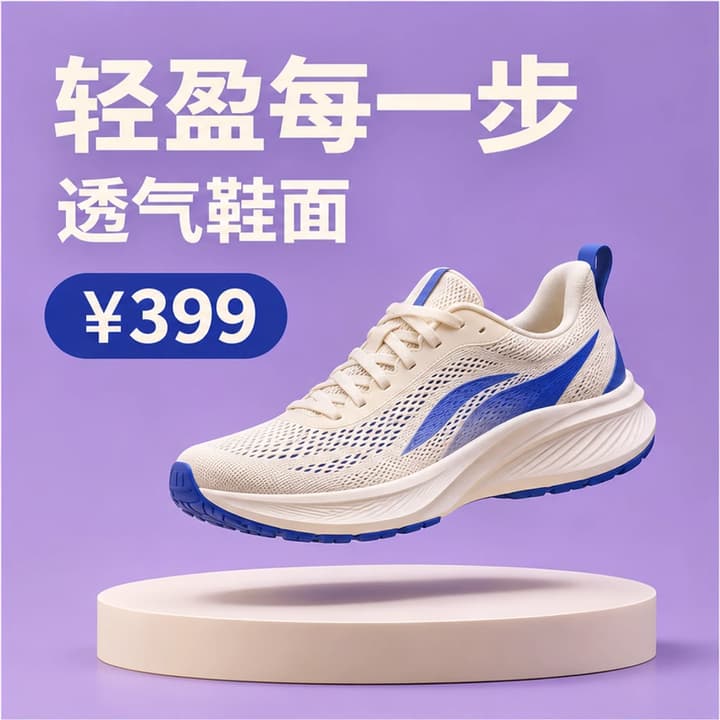
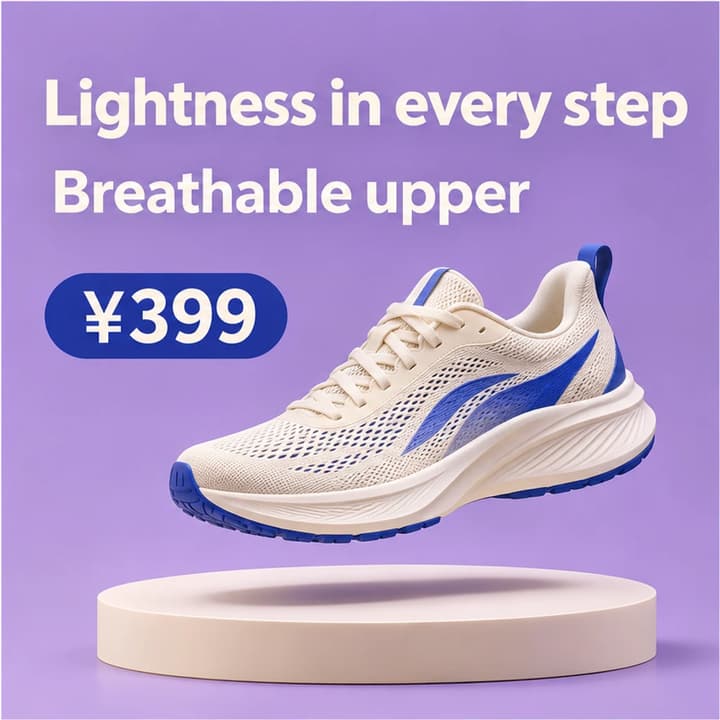
Chinese sneaker campaign
Load this exampleTranslate the sneaker benefits and retain ¥399. Check the mesh, laces and blue side detail.
Turn Chinese, Japanese, Korean and other non-English image text into English. Upload your image and generate a downloadable English version.
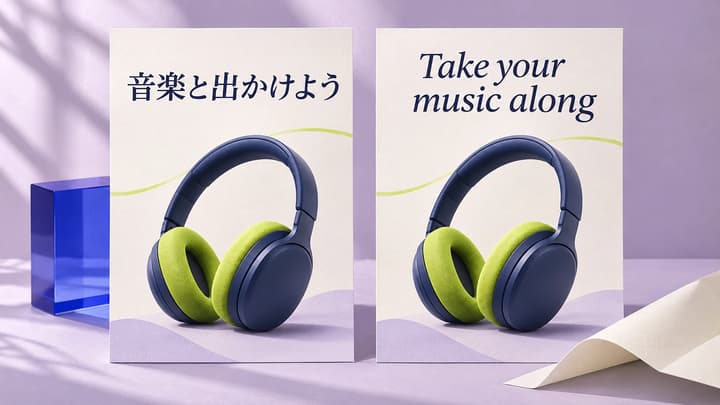
Translate Japanese product copy and compare the 18L capacity, backpack shape and pocket details with the original.
Turn the film-night headline and admission wording into English. Keep 19:30 and check the longer headline fits.
Translate the dish name and menu heading, then check ₩12,000 and the appearance of the food against the original.
Translate the charging, power and shutter instructions while keeping each label near the camera control it describes.
Explore original imagegen illustrations of image translation. Load an original and its suggested settings to try your own version.
Translate the sneaker benefits and retain ¥399. Check the mesh, laces and blue side detail.
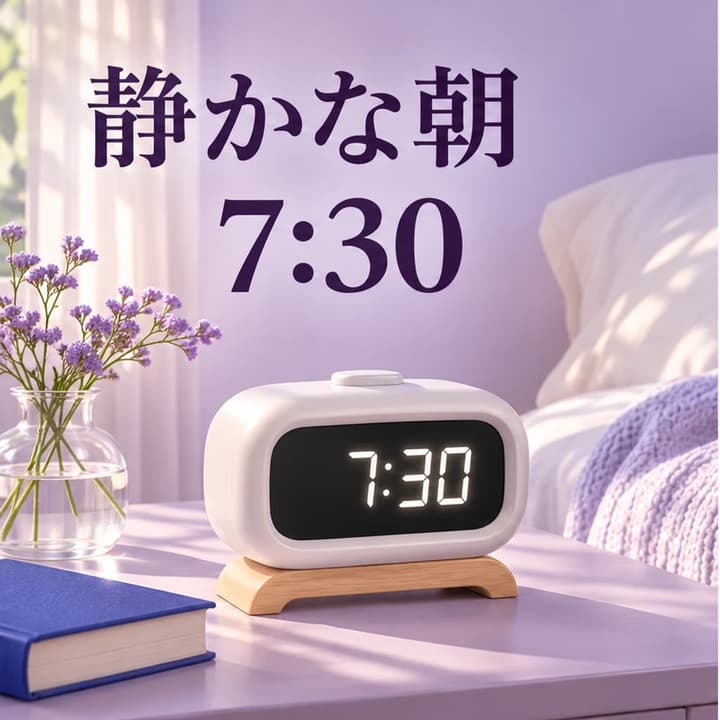

Translate the morning headline and retain 7:30. Check the clock display and framing.
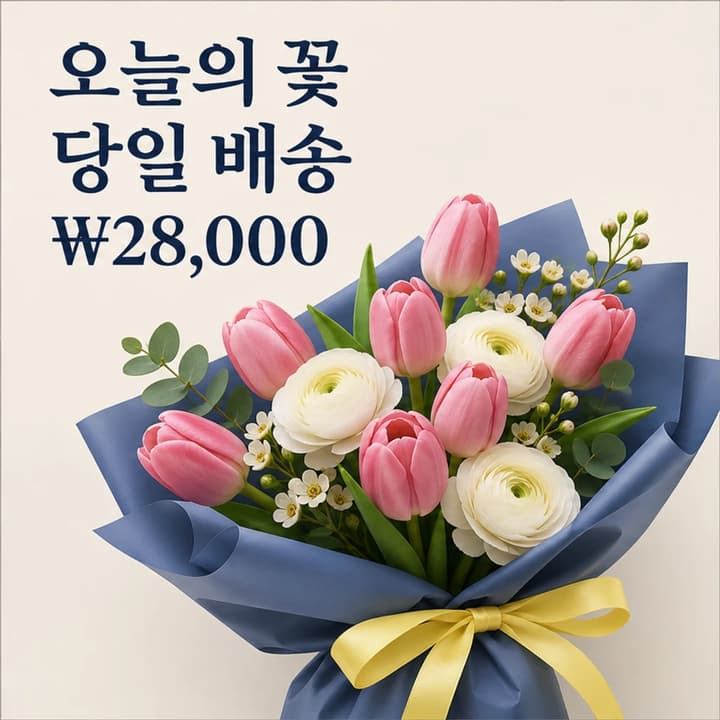
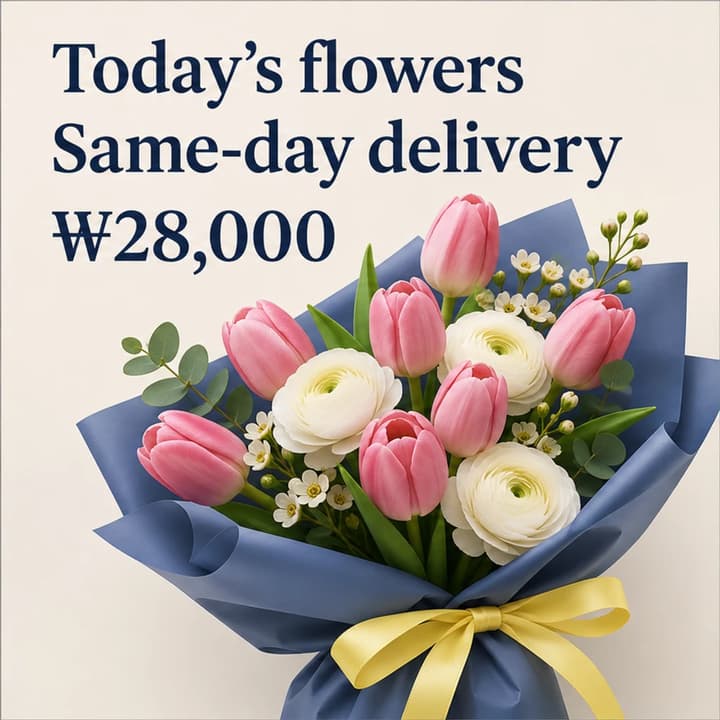
Keep ₩28,000 and the same-day delivery meaning. Compare the flowers and wrapping.

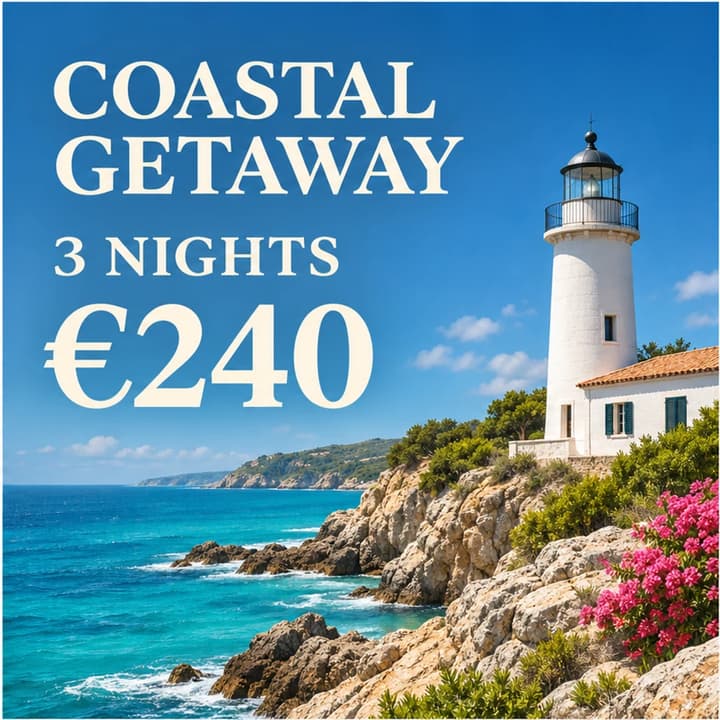
Keep €240 and the three-night stay. Review the coastline and the English headline.
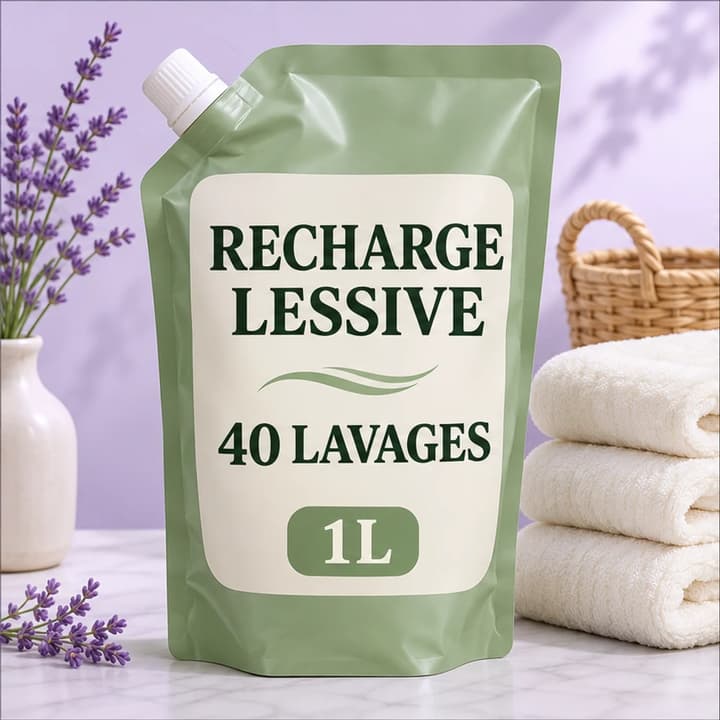
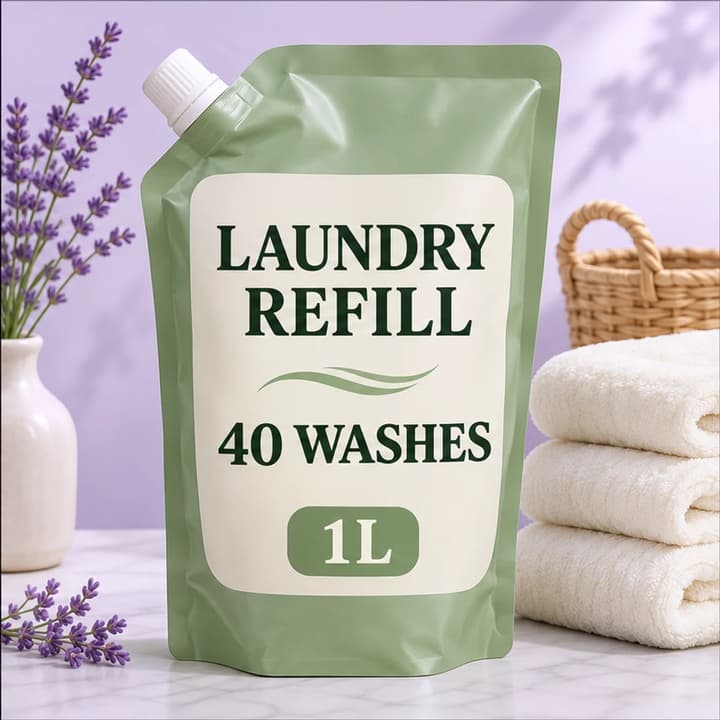
Keep 40 washes and 1L. Check the refill pouch, label and fabric details.
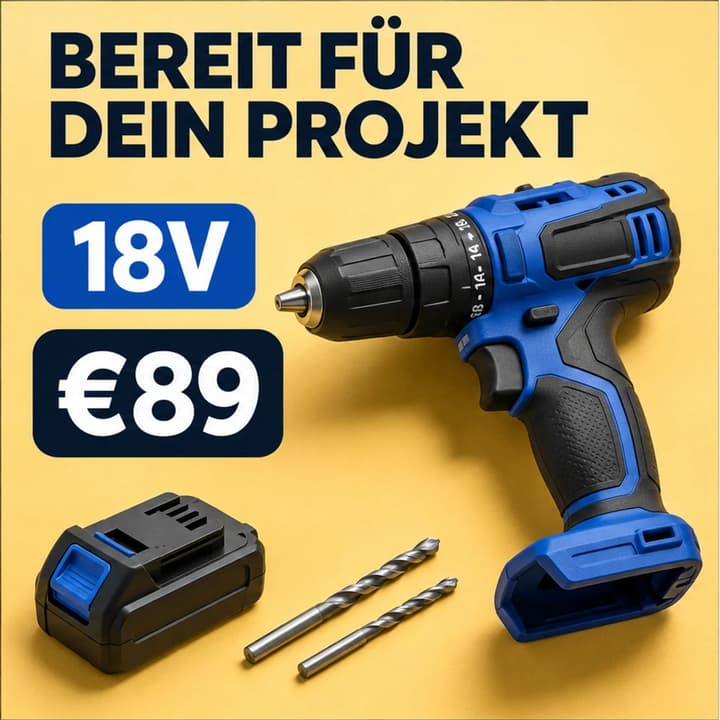
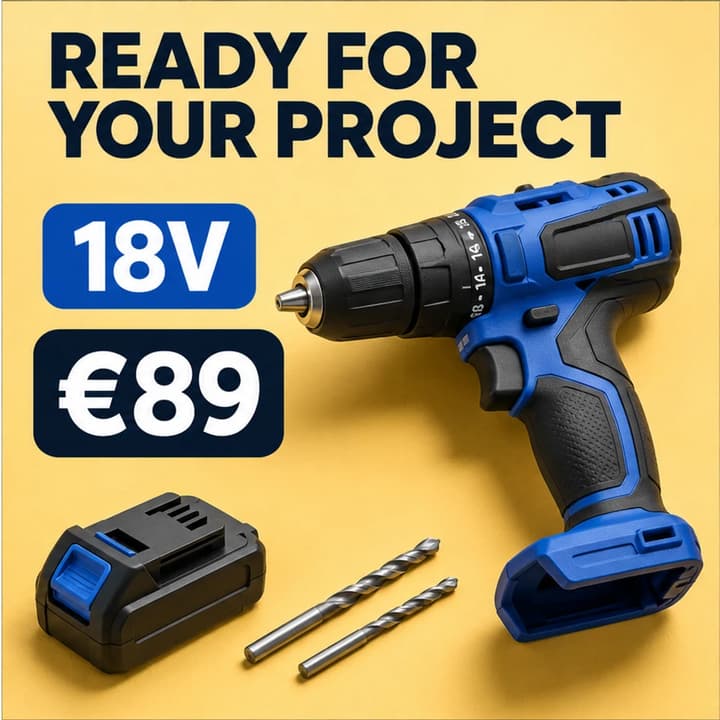
Retain 18V and €89. Keep the drill, battery and steel bits consistent with the source.
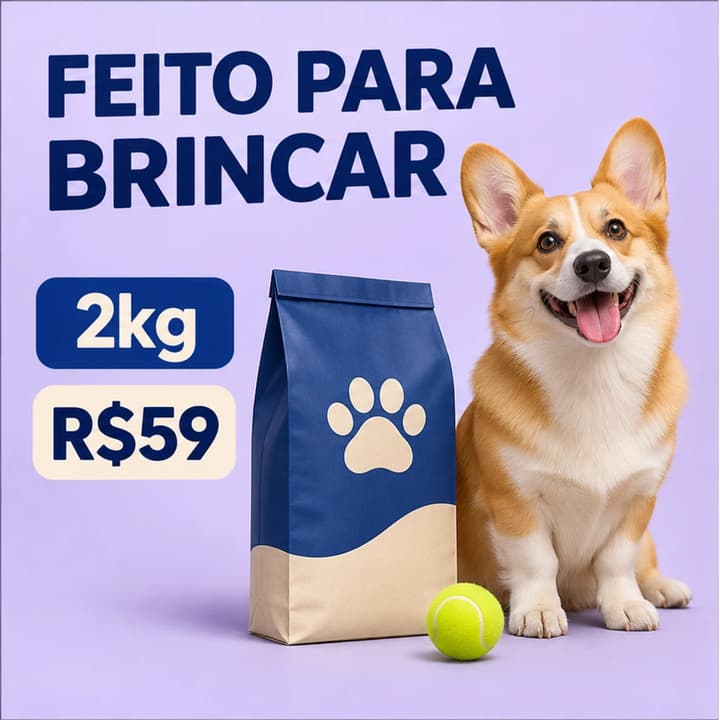
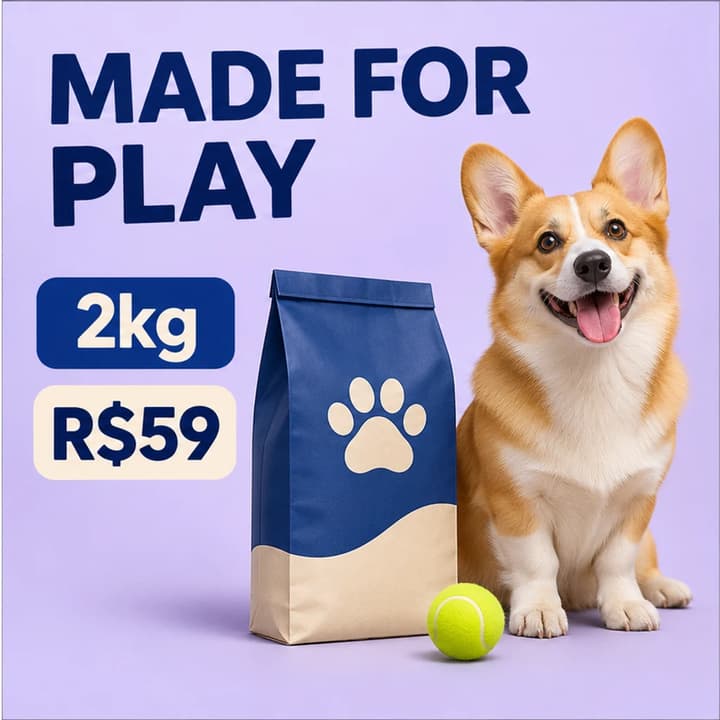
Retain 2kg and R$59. Check the bag design, dog and ball against the original.
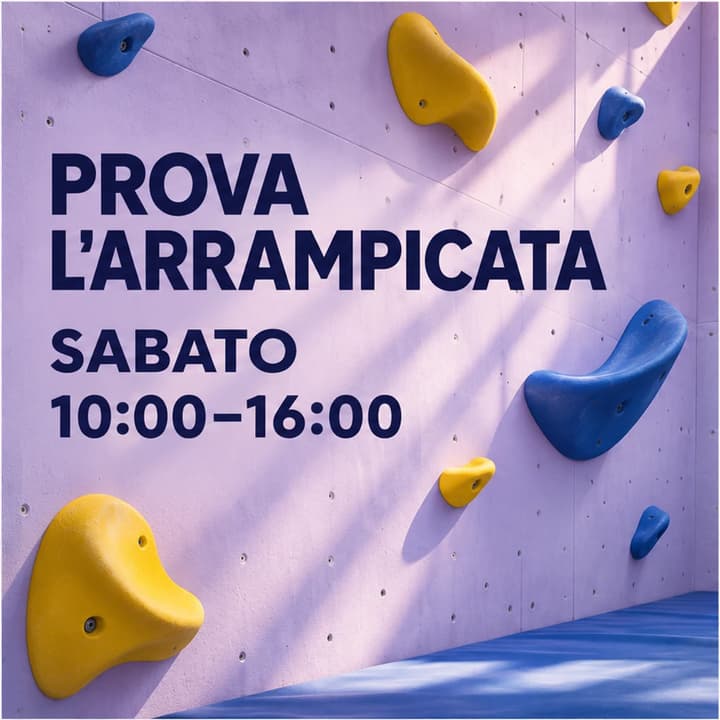

Keep Saturday and 10:00–16:00. Check the climbing holds and poster layout.
Add one JPEG, PNG or WebP up to 30 MB with readable text.
English is fixed on this page. Add brand terms to retain or an exact translation when needed.
Review the displayed credits, generate the PNG and compare the wording and visual details with the original.
Check digits, currency symbols, dates, product codes and units against the source.
Inspect packaging, logos, colors and small details for unintended changes.
Check line breaks, missing phrases and text that touches an image edge.
One PNG with the translated wording rendered into the image. The uploaded reference, selected language and your instructions guide the edit.
The model infers the source wording from the image. Examples cover Chinese, Japanese, Korean and European languages. Clear, large text gives you a better starting point for review.
Put the name or the wording in Translation instructions and state which words should stay unchanged. Review the generated text before publishing.
The prompt asks to retain the subject, composition, prices, numbers and units. Generative editing can change details, so compare the complete output with the original.
The Generate button shows the current credit price for one image. Loading an example fills the inputs. Eligible new accounts receive a one-time signup credit reward.
Use Re-edit to restore the original image and translation instructions. Add a precise correction and generate a new version after reviewing its price.
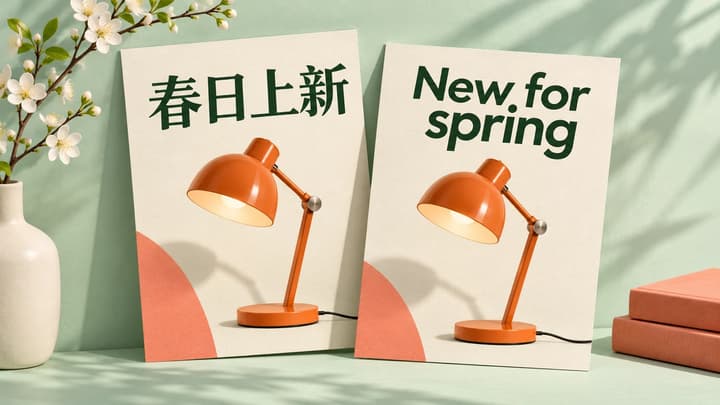
Translate text in product images, posters and menus. Upload an image, choose a language and generate a downloadable translated PNG.
Prepare a source image, write a useful translation brief and review prices, product details and text layout before downloading your translated graphic.

Describe another visual edit to an existing image.