

Cafe portrait · auburn waves
Try this photoPreview a hairless scalp while retaining freckles, expression and the green sweater.
See what you would look like bald with an AI bald filter. Upload a portrait, preview a clean-shaven head, then compare and download your image.
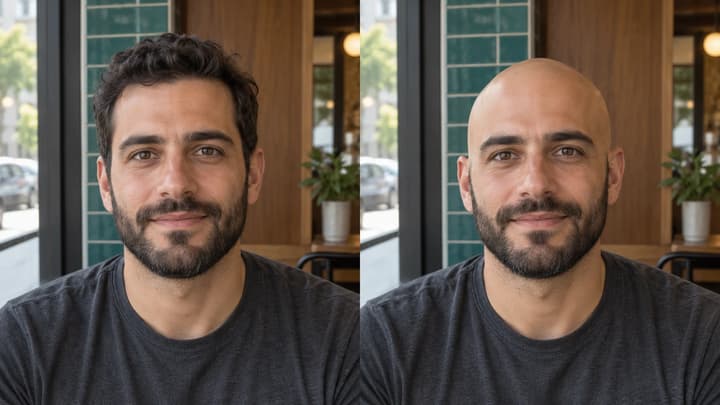
Removing scalp hair should leave the beard, moustache and eyebrows in place. This workshop portrait pairs a smooth scalp with a salt-and-pepper beard.
A library portrait shows a bald preview with round glasses. Check the temples, ears and eyebrows where hair previously overlapped them.
For long hair, the edit also needs to reveal the blouse and background. This veranda portrait illustrates the areas beyond the scalp that need reconstruction.
A slightly turned portrait reveals more of the head contour and ear. Compare the head direction and proportions, not just the disappearance of hair.
Preview a hairless scalp while retaining freckles, expression and the green sweater.
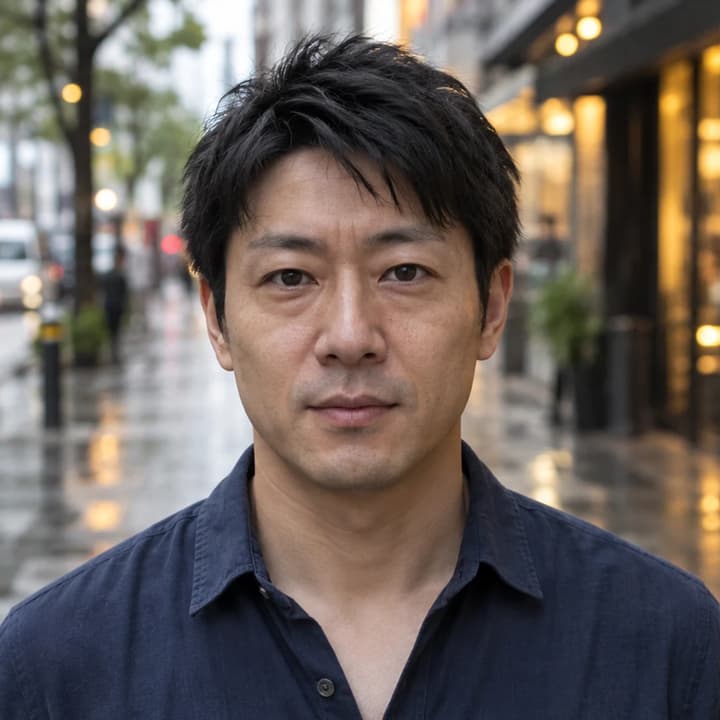
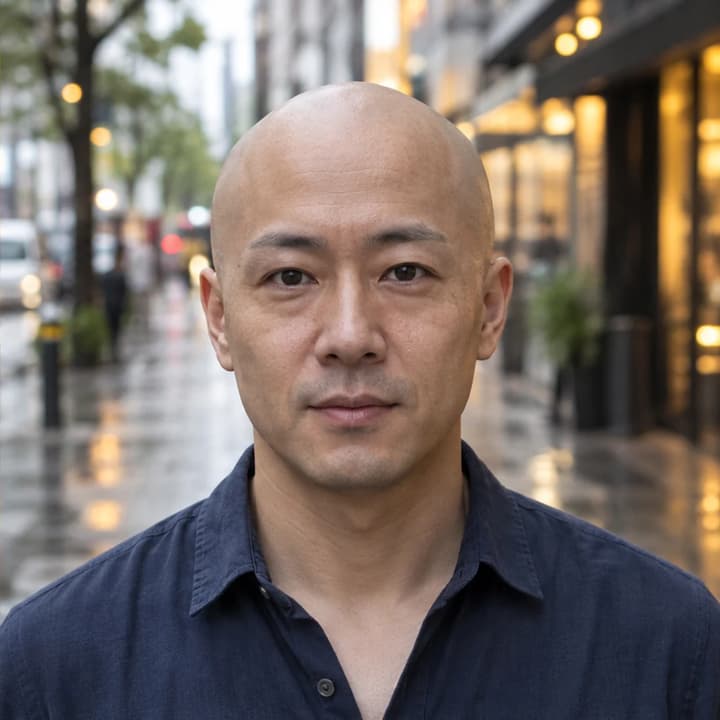
Compare the head contour against a rainy city scene and keep the original face.
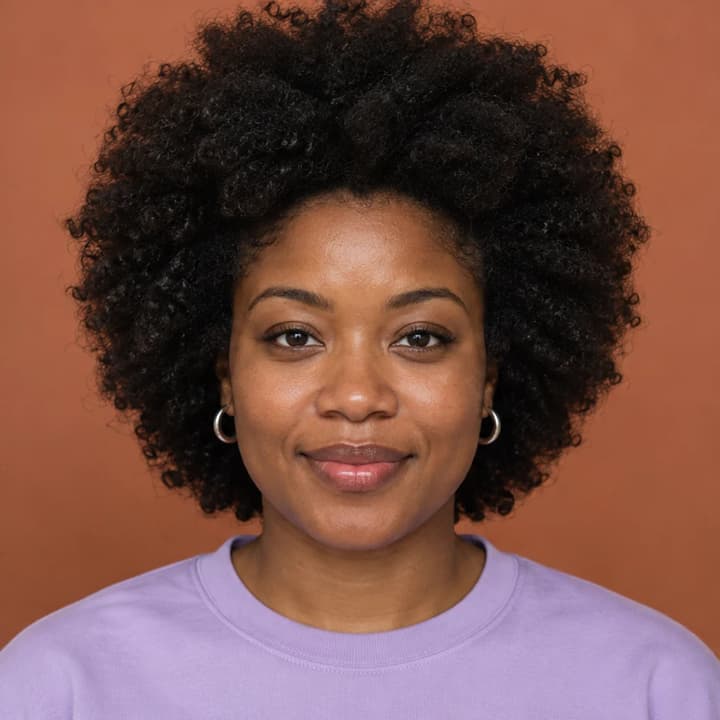
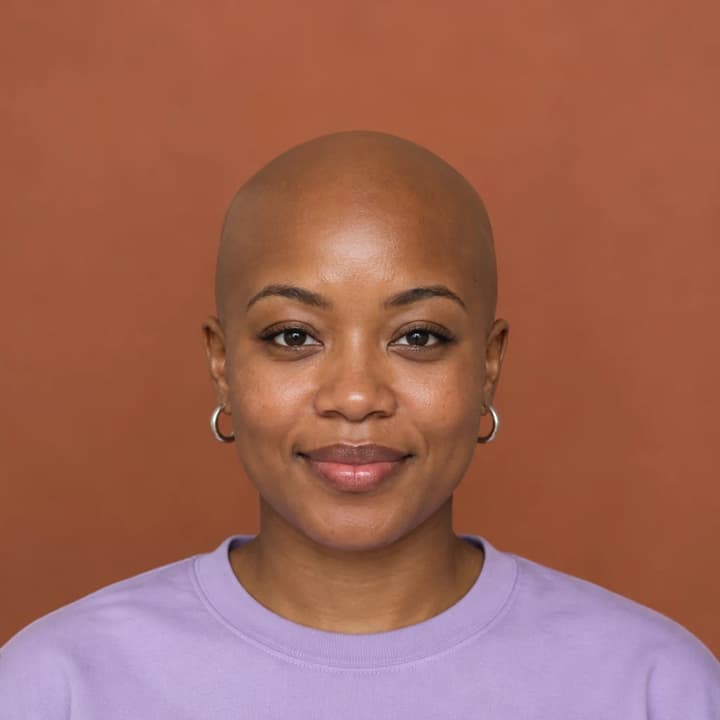
Remove the full hair silhouette while keeping the silver earrings and lavender top.


Explore a bald look with the same ginger stubble and soft garden light.

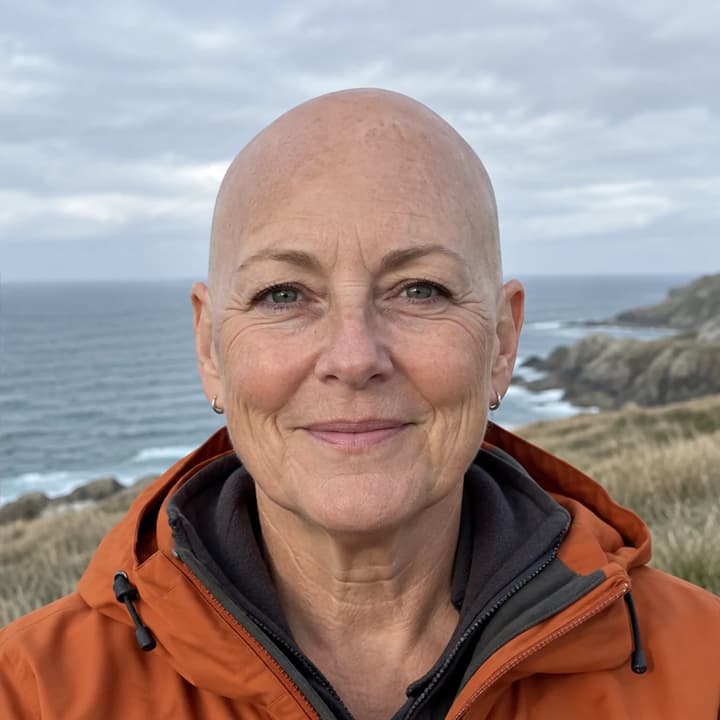
Retain the person's age and natural skin texture while previewing a shaved scalp.


Remove scalp hair only; review the boundaries between the ears and the preserved beard.

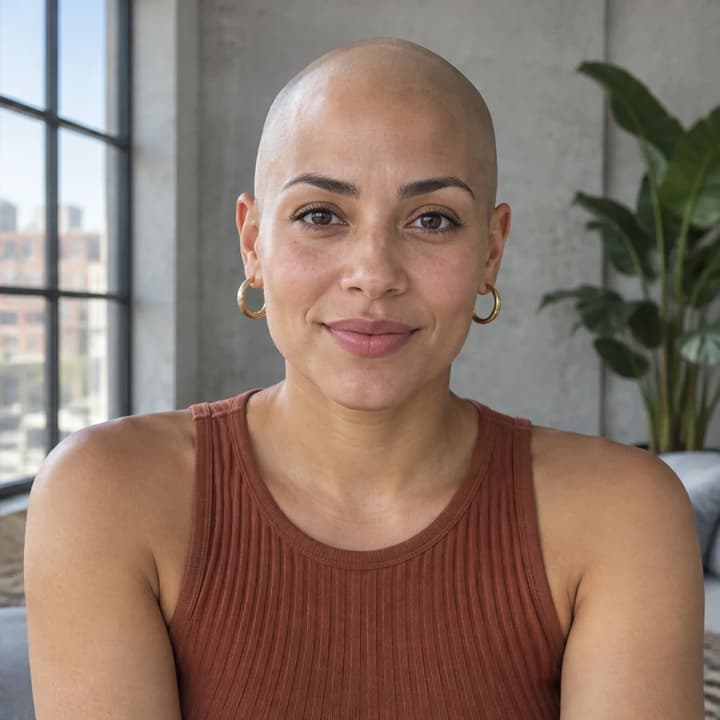
Check both the scalp and the newly visible shoulders after removing long hair.


Compare the bald outline, glasses and face under bright library lighting.
Upload a portrait with the whole head visible.
Add optional instructions for details to keep, such as the beard or glasses.
Generate your image, compare it with the original, then download.
Hair hides part of the head, so AI has to infer the missing area. Review the full-size result before using it as a style reference.
Look for an oversized forehead, an uneven crown or a pointed outline.
Compare the face, skin texture, eyebrows, beard and moustache.
Inspect the ears, glasses arms and earrings for warped edges.
Check for leftover long strands, blurred clothing or repeated background patterns.
Upload a clear portrait to generate a visual preview. Compare it with your original to explore the look; the hidden head shape is inferred, so it cannot predict your exact appearance after shaving.
No. Uploading your Person photo is enough. Edit instructions can request that specific details stay unchanged, such as your beard or glasses.
The edit is instructed to remove scalp hair only and retain facial hair, eyebrows and eyelashes. Generative editing can still change details, so inspect the result before keeping it.
Yes. The tool accepts a portrait regardless of hairstyle. Large or long hairstyles hide more of the head and scene, so those areas may need closer review.
This tool targets a completely bald, clean-shaven scalp. It does not offer buzz cut, thinning hair or receding hairline settings. Use the AI Image Editor for a different hairstyle request.
Generation requires a LumiYing account and uses the credits displayed before Generate. Loading an example does not spend credits. Check pricing for current plans.
Wondering what you would look like bald? Learn how to choose a photo, use an AI bald filter and review head shape, beard, glasses and background.
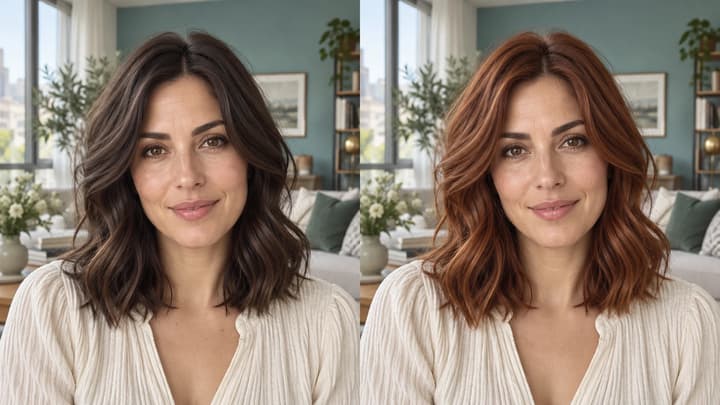
Change hair color in a photo with AI. Use a color template, upload a reference or describe your color in words, then compare and download the result.
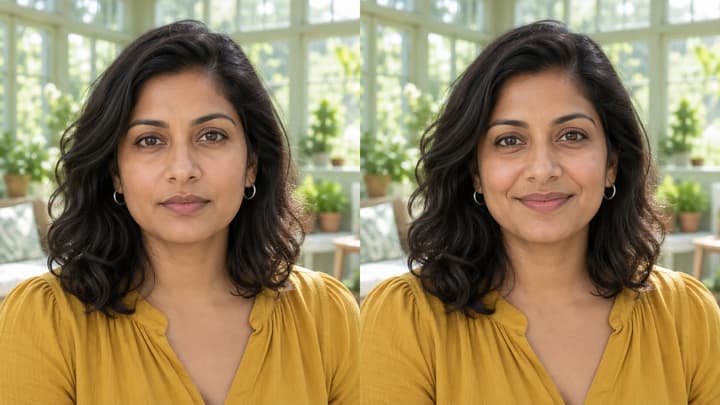
Edit facial expressions with AI. Choose a smile, reaction template or your own expression reference, then generate and review your portrait or character image.

Upload an image, describe the edit, and create polished visuals for products, social posts, posters, or keyframes.
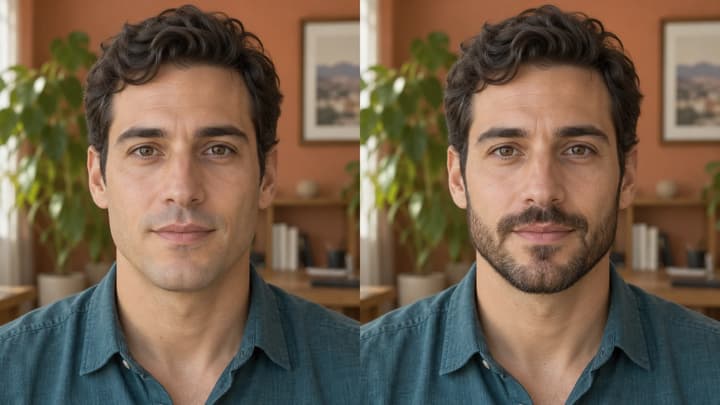
Try beard styles on your photo with a template, reference or written instructions.

Review credits and plans before generating.