
AI B-Roll Generator

Model

Visual references

0 / 8,800

Duration
Aspect ratio

AI B-Roll Generator

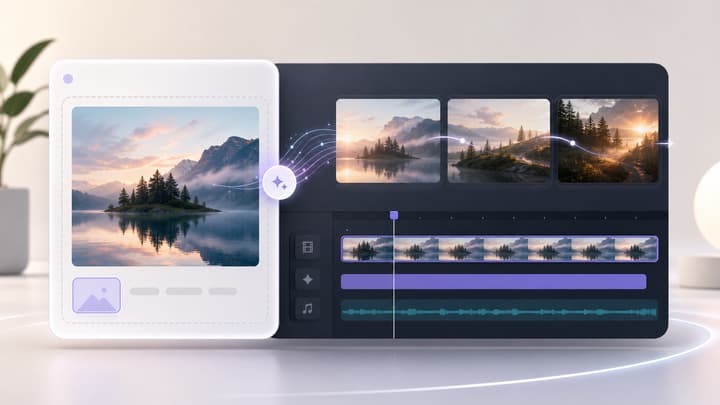
Generate a supporting video shot from a prompt and optional images. Choose your model, duration and frame, then download the clip for your edit.

AI B-Roll Generator

8 B-roll examples to explore

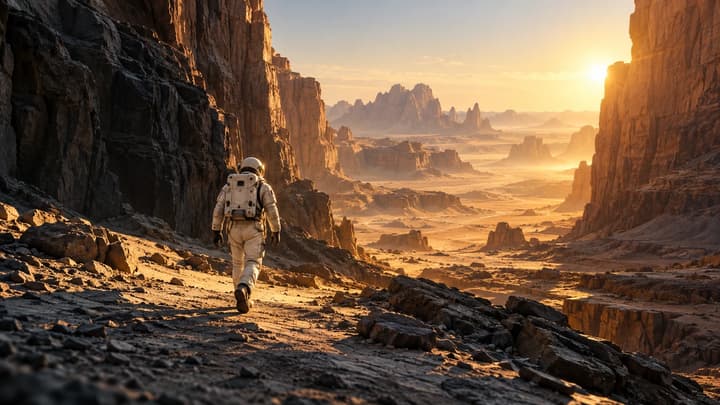
Watch the motion and consider where each shot would support a sentence. Load a suggested prompt to make your own version.

Product close-up

A slow view around a bottle keeps its silhouette readable. Use a brief portion while describing the packaging.

Try this shot
Suggested prompt

One continuous close-up of an amber glass dropper bottle on a dark stone plinth. Slow camera arc, soft daylight, restrained water reflections. Keep the bottle shape, cap and plain label stable. No added text or music.
B-roll example

Make the shot your edit is missing

B-roll gives the viewer something useful to see while the main story continues. Create individual cutaways for a review, explainer, travel film or social video.

Place

Establish the setting

Show where a story happens with a clear wide view that fits the surrounding footage.

Detail

Bring a feature closer

Describe the surface, material or small feature that a wide product shot cannot explain.

Action

Show the process

Make one visible action the subject: shaping clay, turning a dial or pouring a drink.

Atmosphere

Give a moment room

Create a quiet visual pause that supports the mood without introducing a new storyline.

Create a B-roll clip in three steps

01

Describe the missing shot

Write one clear action and camera direction. Add optional references for subjects, objects or style within the selected model’s image limit.

02

Choose your settings

Select a model, supported duration and ratio. Start with a short clip and check the credit quote.

03

Review and use the clip

Check the motion, download your take and trim it into your edit. Re-edit restores your prompt, references and settings.

B-roll questions

Do I need to upload an image?

No. A prompt is required and images are optional. Add visual references within the selected model’s limit and describe what each should guide.

Does this add B-roll to my existing video?

It generates one downloadable clip. Place and trim the result in your video editor; this tool does not upload, transcribe or automatically edit your original video.

Can I choose the model and length?

Yes. Choose a compatible video model, duration and aspect ratio. The available options and output resolution follow the selected model. Native sound is enabled.

How should I handle sound?

The default direction asks for subtle ambience. You can request other audio in Prompt. When placing the clip over speech, mute or lower its audio in your editor so the narration stays clear.

Does loading an example use credits?

No. It fills an editable suggested prompt and settings. Credits are charged only when you submit a generation with its displayed quote.