AI Scene Generator
Turn a prompt or reference photo into one image with 2, 4, 6 or 8 views of the same scene. Plan camera coverage for interiors, product sets and video backgrounds.
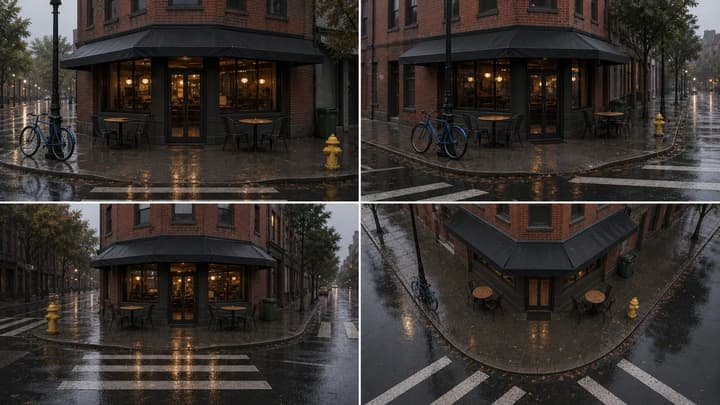
What You Can Create With the AI Scene Generator
Choose 2, 4, 6, or 8 camera views of the same location
Turn a prompt or reference photo into one image with 2, 4, 6 or 8 views of the same scene. Plan camera coverage for interiors, product sets and video backgrounds.
Preserve objects, layout, light, and mood
The prompt asks for one fixed scene across the grid. Objects can still move or change, especially in hidden areas; compare each panel before reuse.
Start from an uploaded scene reference
Upload one scene photo to guide the layout, objects, materials and lighting. The model infers hidden surfaces, so check the reverse view before using it for planning.
Plan shots before video generation
Use the resulting scene reference grid for storyboards, product demos, game environments, animation backgrounds, and visual direction.
AI Scene Generator Prompt Examples
How to Generate Multi-Angle Scene References
Describe or upload a scene
Describe one location or upload a clear scene photo.
Choose your views
Choose 2, 4, 6 or 8 views. Start with 4 views at 16:9.
Generate and check
Generate, check object positions and the reverse view, then download.
AI Scene Generator FAQ
What does the AI Scene Generator output?
One image containing a grid of 2, 4, 6 or 8 views of the same scene. The views are not delivered as separate image files.
Can I generate a scene from a photo without a prompt?
Yes. Upload one JPG, PNG or WebP scene image, up to 30 MB. A prompt is optional when a reference is present; use it to name the objects or details that must stay.
How is this different from an AI storyboard generator?
A storyboard generator creates different moments or shots in a sequence. The AI Scene Generator keeps one scene and generates different camera views of that same location for consistency planning.
Which camera views should I choose?
Start with 4: front, side, reverse and elevated. Use 2 for front and reverse, or 6 or 8 for a fuller ground-level orbit. More panels leave less space for each view at the same resolution.
Is this an accurate 3D reconstruction?
No. It generates a flat image, not a 3D model or measured floor plan. Hidden surfaces are inferred, and geometry, object counts or lighting can drift between panels.
Does loading an example spend credits?
No. Loading an example only fills the inputs. Check the credit cost beside Generate before starting a generation.
Related Tools and Resources
AI Scene Generator Examples
Use prompt examples for product scenes, multi-angle references, and video planning.
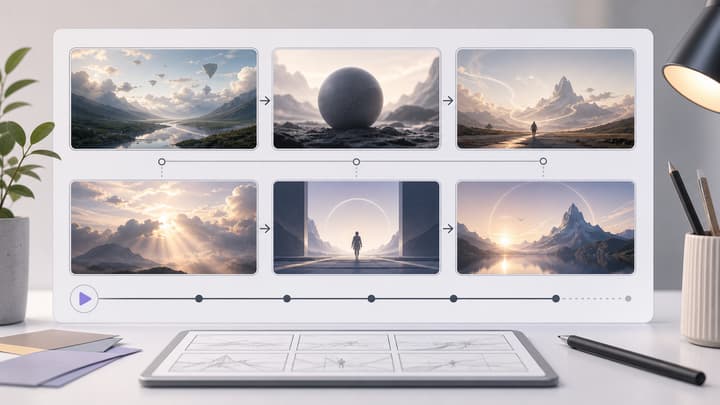
AI Storyboard Generator
Turn a scene or campaign idea into a multi-panel storyboard sheet.
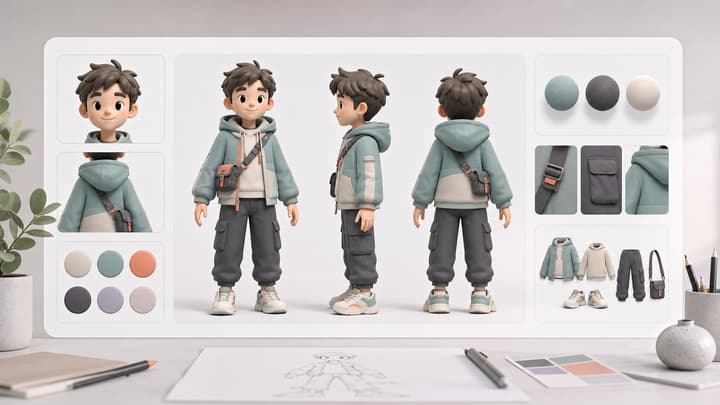
AI Character Sheet Generator
Create consistent character reference sheets for visual planning.
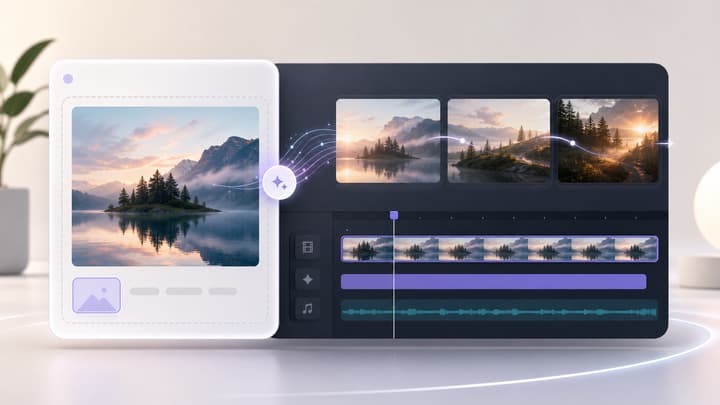
Image to Video AI Generator
Animate a source image into a short AI video clip after planning your scene.