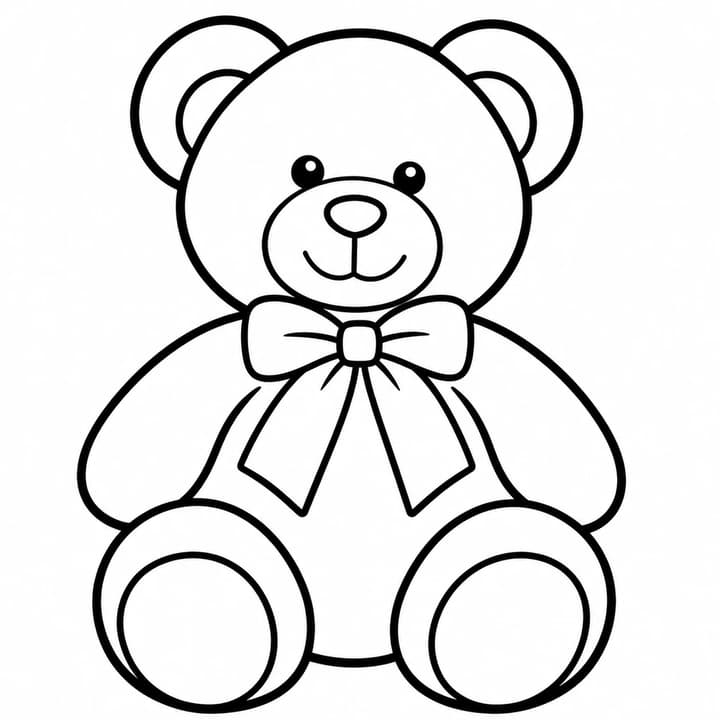
Teddy bear from a busy photo
Keep the bear and bow while removing garden clutter.
Scene or edit instructions
Keep the teddy bear's pose, face and bow. Remove the bench, flowers and fence; omit plush fur texture.
Load this exampleChoose a clear photo, simplify the background and line detail, then check and print a coloring page on A4 or US Letter paper.
LumiYing TeamUpdated
A well-lit pet, toy or bicycle with visible edges is easier to simplify than a dark group photo. Crop away distractions before uploading, but leave space around ears, hands and wheels. Strong shadows and patterned backgrounds often become unwanted lines.
The goal is a page with open regions, not a desaturated photograph. Keep the shapes that identify the subject and remove surface texture. Fur, grass and fabric weave rarely need to become separate strokes.
Choose a JPG, PNG or WebP under 30 MB with the complete subject visible. Crop a wide scene around what you want to color. If faces or objects overlap, choose a clearer photo rather than expecting the outlines to separate them.
Start with Simple for broad areas or Standard for balanced detail. Choose White background to isolate the subject; Simplified scene keeps a few useful surroundings. In the brief, name the subject and what should stay recognizable. Avoid asking to preserve every texture.
Check at full size. Important contours should be continuous and areas should be large enough to fill. Look for broken wheels, merged fingers, dark fur patches and extra scenery. Re-edit the original inputs to simplify; use Image to Image when refining the particular result.
Choose an image, or PDF · A4 / US Letter in the download menu. PDFs preserve the image aspect ratio, use portrait or landscape to match it, and add half-inch margins. In your print dialog, match the paper size and choose actual size / 100%. Check one sheet before printing copies; more pixels cannot repair tangled line work.
Detail controls the drawing; paper and resolution control how you use it.
Compare the input with the line-art direction. Load the original photo and settings to make your own page.
Keep the bear and bow while removing garden clutter.
Keep the teddy bear's pose, face and bow. Remove the bench, flowers and fence; omit plush fur texture.
Load this exampleKeep the pose and markings; leave out fur texture.
Keep the cat's seated pose, face, tail and stripe shapes. Omit individual fur strands and the stool's wood grain.
Load this exampleKeep the wheels and frame; simplify the surroundings.
Keep the bicycle's complete frame, basket and wheels. Use clean closed contours and omit reflections.
Load this exampleYes. Upload one JPG, PNG or WebP photo. Add instructions if you want to choose the subject or remove particular details.
Yes. Describe a scene without uploading a photo. A photo by itself also works.
Choose Simple and a white background. Clear subjects and fewer overlapping objects give larger areas to color.
Yes. The result download menu offers an image and A4 or US Letter PDFs. The PDF fits the image without cropping; watermarked results keep their watermark.
It creates one page at a time. Book assembly, consistent multi-page characters and numbered coloring are separate tasks.
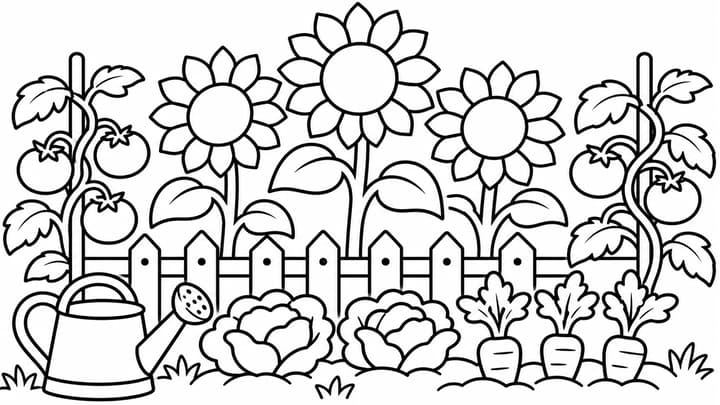
Turn a photo or a written idea into a black-and-white coloring page. Choose the detail and background, then download an image or a single-page PDF.

Create original images from a text prompt or optional reference image. Adjust the aspect ratio and resolution to bring your creative vision to life.

Upload an image, describe the edit, and create polished visuals for products, social posts, posters, or keyframes.

Review credits and plans before generating.