Linen shirt
Try these settingsReplace a T-shirt while keeping the jeans and sneakers.
Edit instructions
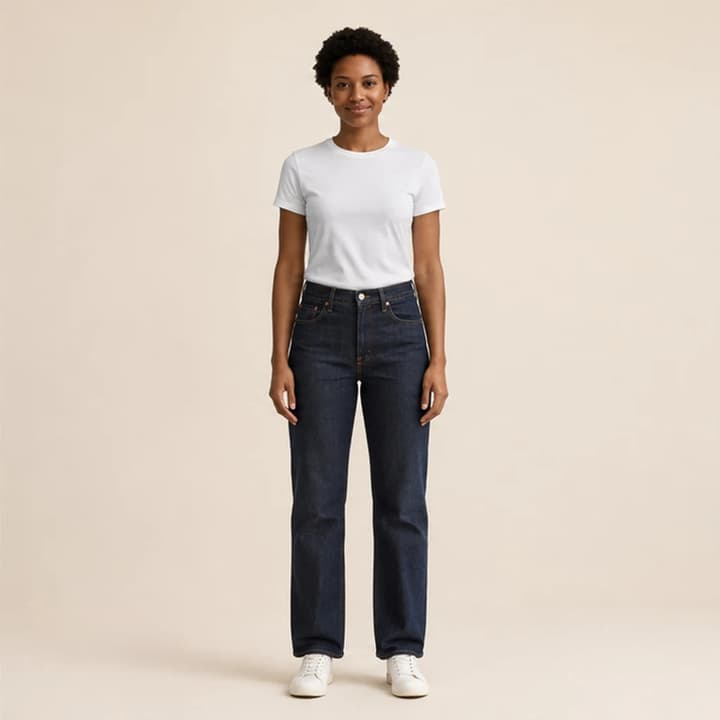
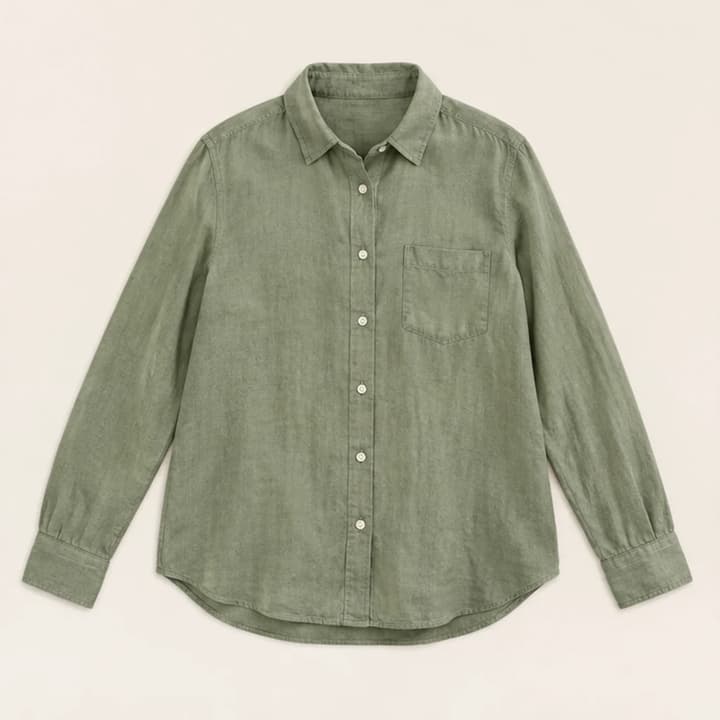
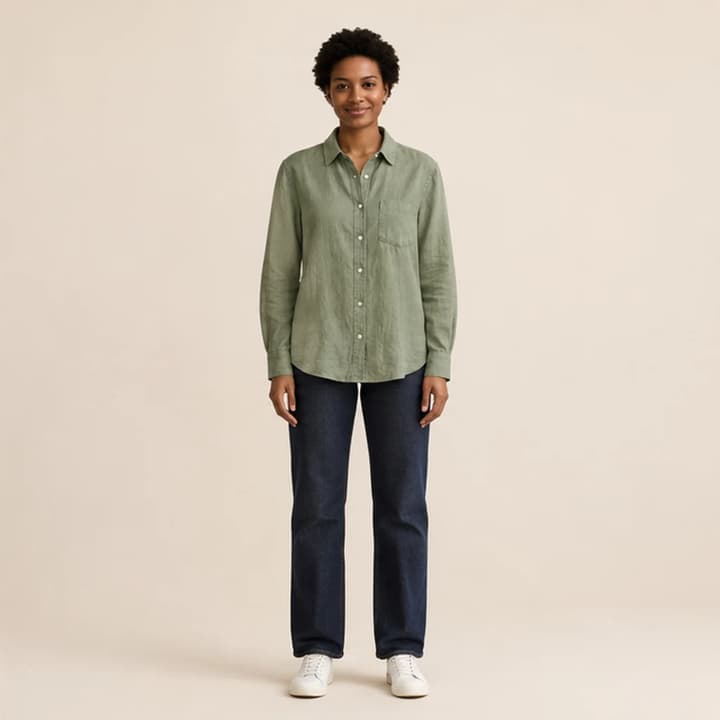
Wear the sage linen shirt untucked. Keep the jeans, sneakers and pose.
To try clothes on virtually, pair a clear garment photo with a person photo, specify any layering instructions, and generate one outfit preview. Start with compatible viewing angles and visible clothing boundaries.
LumiYing TeamUpdated
Use the garment photo to specify what to wear, not who should wear it. A flat lay or simple product photo makes the collar, sleeves and hem easier to see. If the garment is already on someone, crop out unrelated clothing while keeping the entire target garment.
Use a person photo with one subject, an unobstructed torso and enough body visible for the garment. A full-length dress needs visible legs. Avoid crossed arms, large bags and heavily cropped photos for the first attempt. An attractive preview does not establish real-world fit: check the retailer’s measurements and fabric information separately.
Upload the sage shirt under Garment. JPEG, PNG and WebP are supported, up to 30 MB per image. Keep the collar, cuffs and hem visible.
Choose the first model, or upload a person. Confirm that the clothing and person previews are in the right places; a new person upload replaces the active model choice.
For this example, ask to wear the shirt untucked and keep the jeans. Start at 1K and 1:1 for the square source; use 2:3 for a portrait composition. 2K or 4K changes output size and credits, not the certainty of garment detail.
Check the credit amount and generate. Compare the face with the person input, and the shirt’s pocket, buttons and cuffs with the garment input. Use Re-edit to restore both originals and change one instruction if needed.
An AI clothes changer combines a garment photo with a person photo to create a new outfit preview. The clothing reference guides the design; the person photo guides the face, pose and background.
The shirt changes one item, the dress replaces top and bottom, and the denim jacket adds a layer. Load a case to inspect its inputs and short instruction.
Replace a T-shirt while keeping the jeans and sneakers.
Wear the sage linen shirt untucked. Keep the jeans, sneakers and pose.
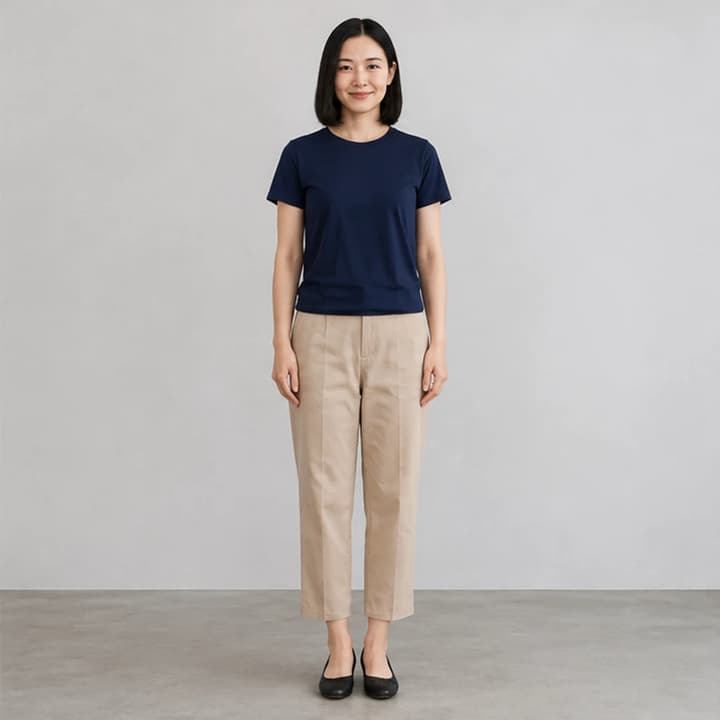
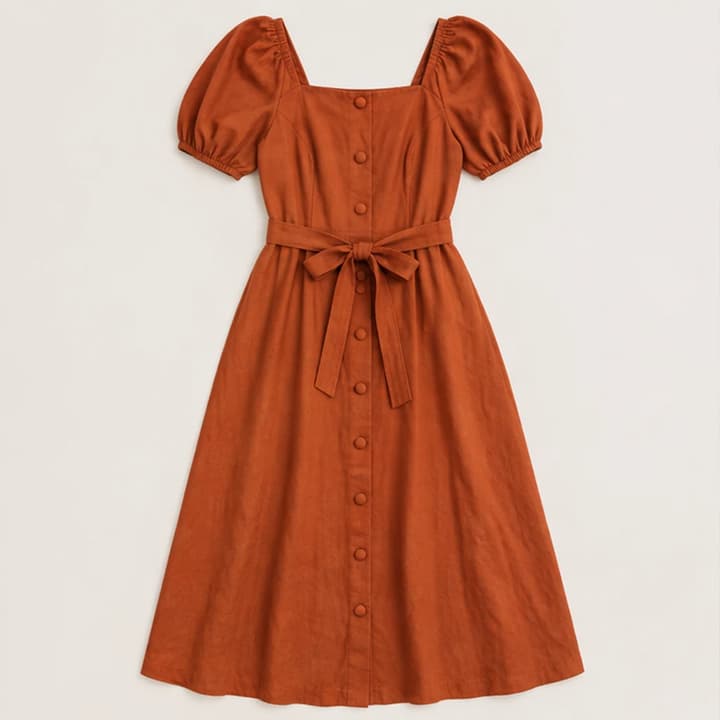
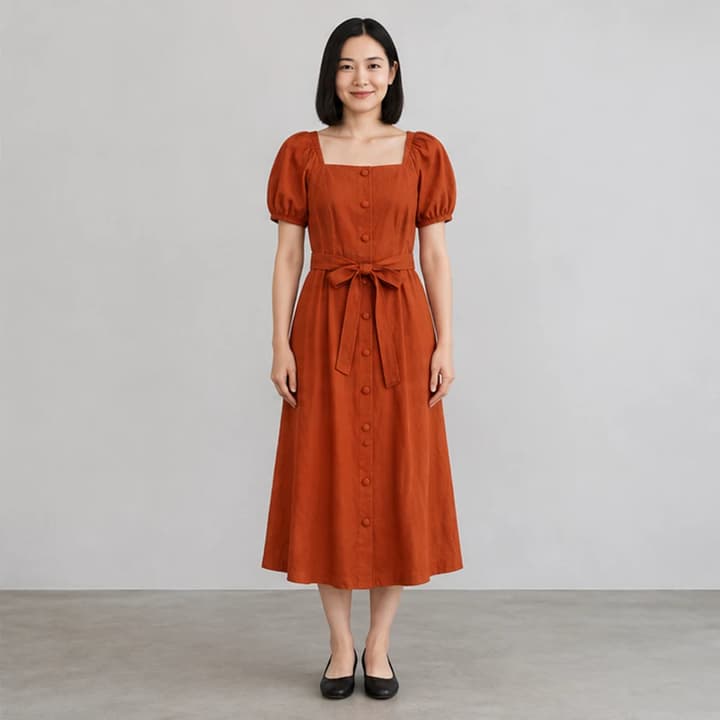
Replace top and trousers with one dress; keep the shoes.
Try on the rust dress. Preserve the black flats and the original pose.
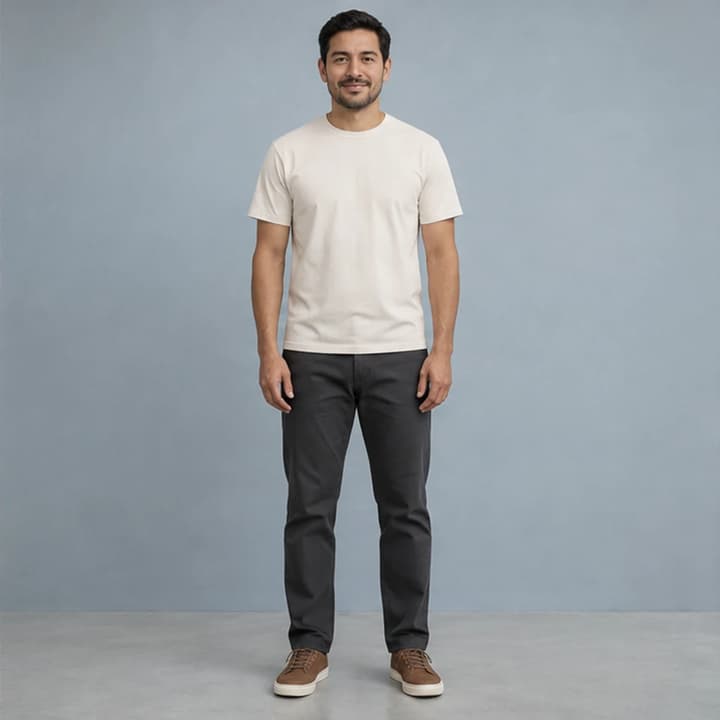
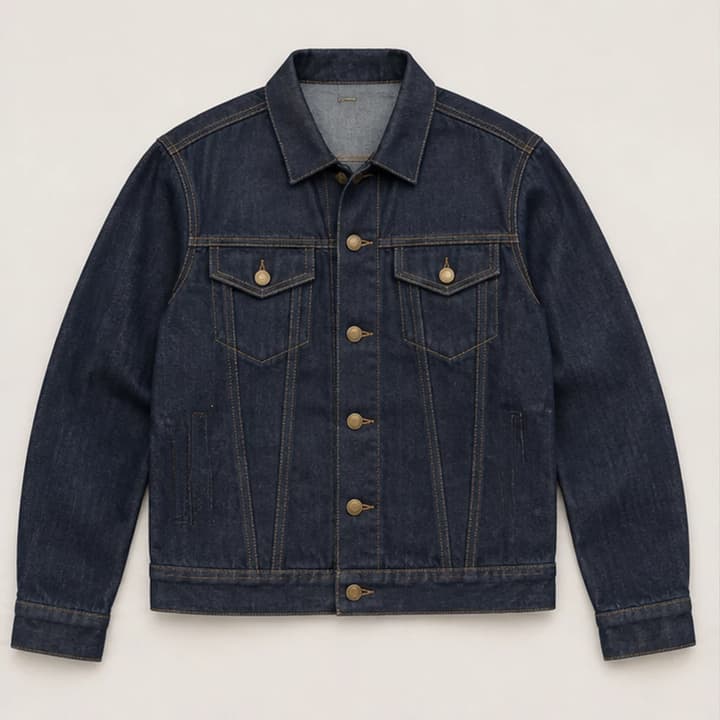
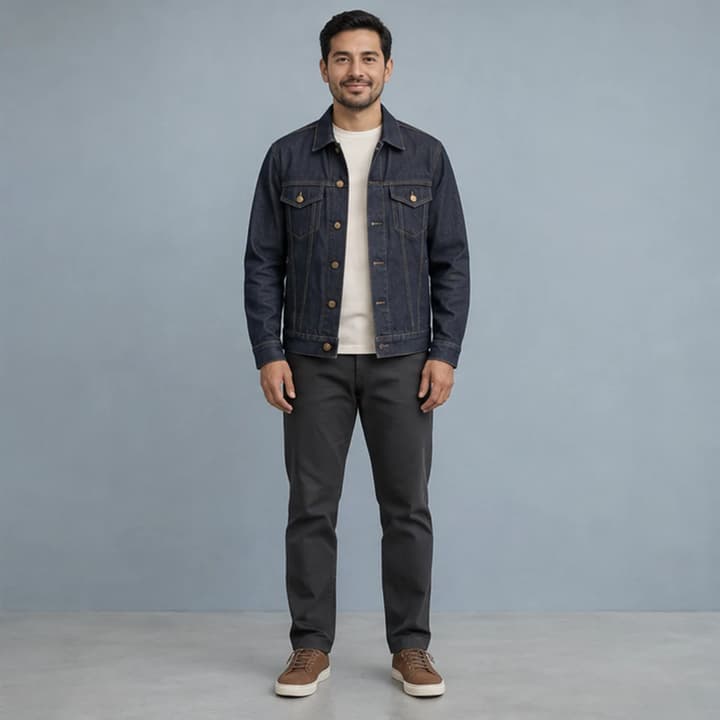
Add an open jacket over the original T-shirt.
Wear the denim jacket open over the ivory T-shirt. Keep the trousers and shoes.
The edit is instructed to preserve identity and garment details, but details can change. Review each result; it is not a size recommendation.
Loading an example or choosing a model does not generate. Review the displayed credits before clicking Generate.
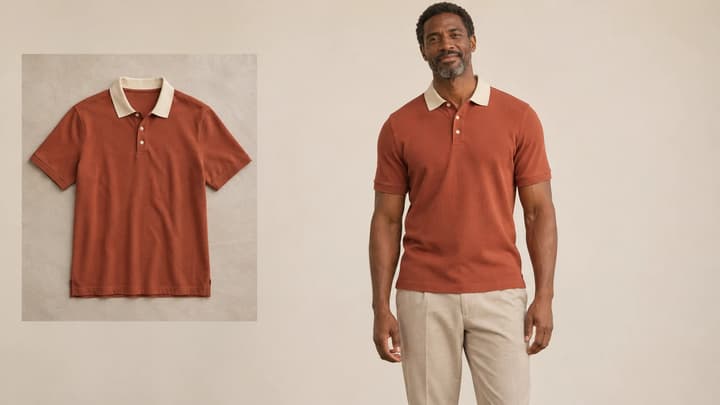
Try clothes on a model or your own photo. Upload a garment, choose the person, and preview a new outfit with the AI clothes changer.
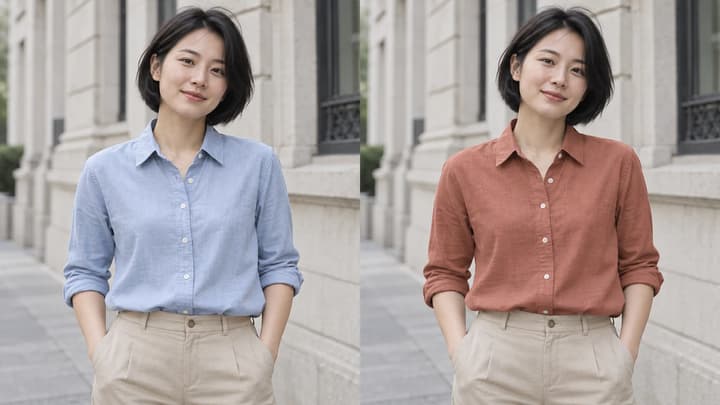
Change clothes color in a photo with AI. Pick a color, enter a HEX code, upload a reference or describe a shade for your garment.
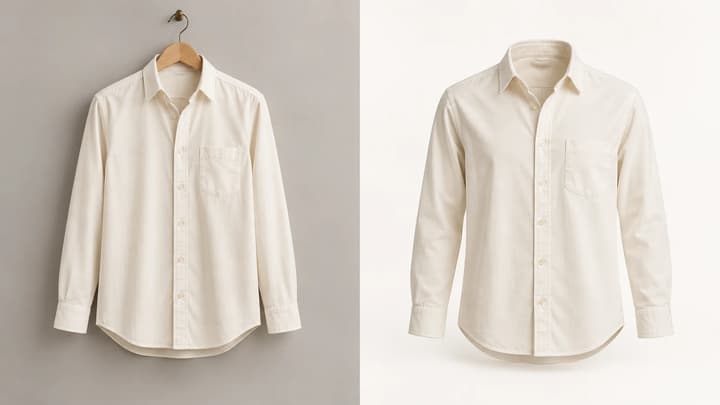
Turn a clothing photo into a ghost mannequin product image. Upload one garment photo, choose the format and resolution, and optionally adjust the background or viewing angle.
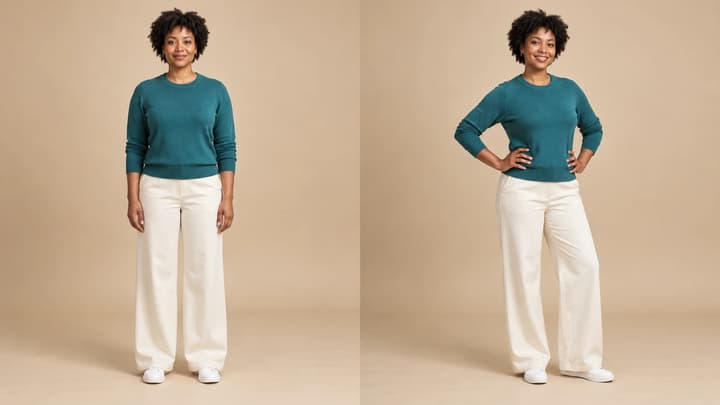
Change a person or character’s pose from a photo. Choose 8 pose templates or upload a pose reference, then generate and review the result.

Review credits and plans before generating.